
productivity tips
-

First Glimpse Of iPadOS 27 Benefits
Hey Readers & Members, I just had the most pleasant surprise during my work day. A new Siri AI feature genuinely made my work, faster and easier to the point that I thought, wow, I must share this with you! So, let me tell you about it. First off, Mike and I have been running…
-
Top 5 Productivity Pro-tips for iPadOS 26
Here are our top 5 X iPadOS 26 productivity Pro Tips, to help you be more productive on your iPad.
-
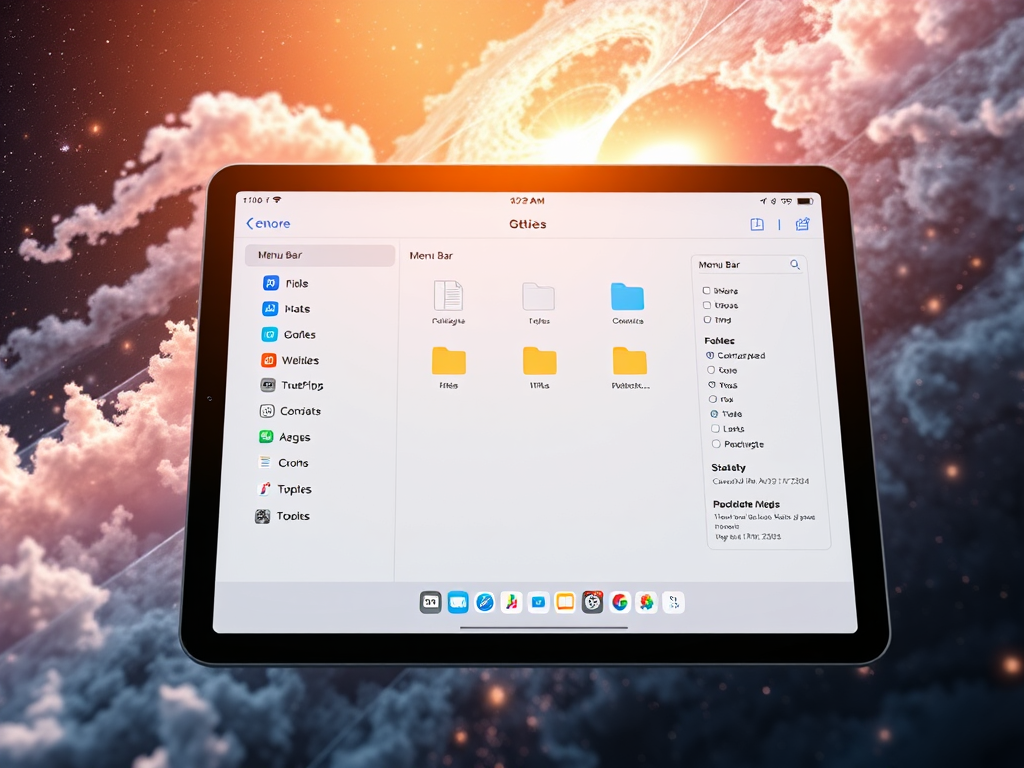
9 Features of the NEW Files App
The Files app in iPadOS 26 introduces some great new customisation features, making file management more efficient. These features allow for improved navigation, folder customisation options, and seamless app integration. All of these features allow for a streamlined workflow for users.
-

10 very useful things you probably didn’t know Spotlight on iPad can do!
Searching and Launching apps is what Spotlight is most well known for, but did you know there is so much more Spotlight for iPad can do. Here is our list of 10 useful things you can do right now using spotlight search. What is Spotlight Search 🔦 For those who may not know Spotlight search…
-

Why this App was our favourite for 2024!
One of life’s greatest problems in this digital age, is managing all the random bits of information we receive and interact with on a daily basis. Since our iPhones and iPads are often our most accessible and portable devices, these are likely the computers that will be most convenient to reach for in the moment.…
-

Collaboration Really Shines On iPad Pro!
Business & Entrepreneurs are missing out on great ways to collaborate with their staff, whilst improving; meeting productivity, communication, staff retention and reducing costs.
-

This will save you a ton of time working on iOS
The Problem We all at some stage will need to grab or attach files we have recently saved. The problem is it usually requires a bunch of additional taps to then find and retrieve the saved file. To make matters worse, sometimes it can be difficult to find what we just saved. (See you…