People are working collaboratively now more than ever. The biggest reason for this shift in workplace behavioral interaction, has been the rapid pace of technological enhancements, in both computer software and hardware.
For example remote servers and databases have removed the need for onsite physical infrastructure together with the subsequent liability and maintenance that comes with it. This in turn has given rise to the age of cloud computing, resulting in an obvious realization for business – that is, employees do not need to be based in the office behind a desk in order to get work done. In fact studies today are showing us that remote employees in business are more productive than those stationed in the office. Believe it!
Productive collaboration amongst a decentralized workforce has become paramount and the best way to engage with a remote workforce is without doubt Video conferencing. Benefits include; reduced travel time and costs, optomised attendance, improved meeting efficiency, better communication, greater productivity due to better decision making, higher employee retention due to more flexibility. Remote collaboration via video conferencing maintains healthy co-worker relationships which studies show, people miss the most when leaving the work place.
However, getting the team live all at once and operational brings with it challenges for satisfactory team work. For example, user confusion, network issues, expired video conferencing software licenses, PC issues, firewall restrictions, low quality camera and audio, and communication issues with the organizer before and during, are amongst some of the problems.
One way to remove all this unnecessary friction around remote collaboration, is to collaborate in iOS. iOS (Apples native iPhone and iPad operating system) removes the confusing hurdles and loops that one has to navigate through in order to be able to communicate. Apps are designed to be intuitive and fast to operate. iOS also brings with it a very short learning curve which makes for a more seamless transition for staff to become accustomed to and learn.
Group FaceTime Example (Below)
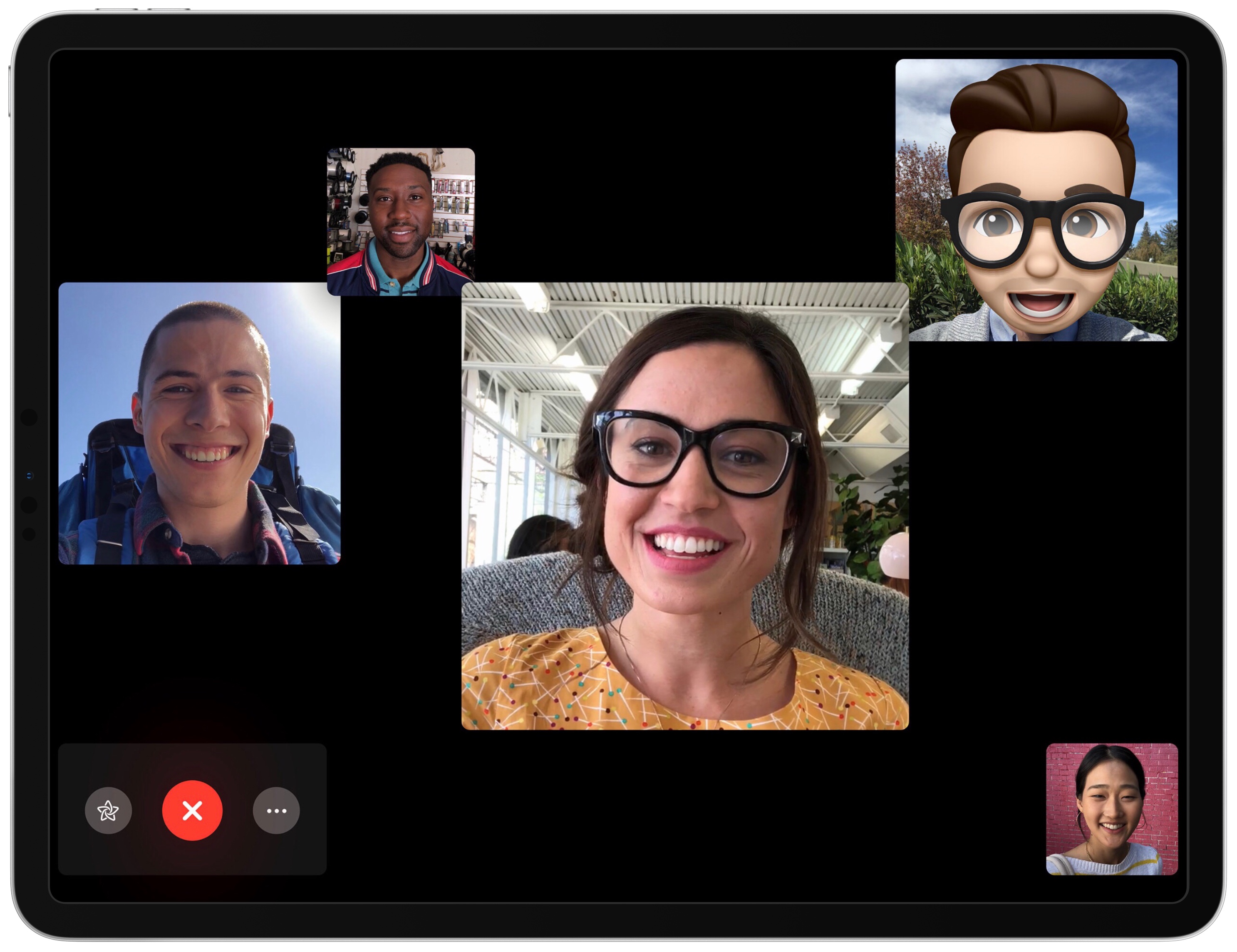
With iOS everything feels intuitive and natural. Software opens instantly, noticeably faster than PC’s or notebooks. Conference calling apps are launched in seconds with just an easy tap. Video and audio quality is excellent due to the iPad’s superb front facing camera and built in microphone. Communication between the meeting organizer or team leader can be done effortlessly via Messages (formally iMessage). System notifications can be turned off for less interruptions and there are no anti-virus pop ups or expired software licenses to deal with moments before the meeting starts. Software i.e Apps, are also considerably cheaper on iOS compared to Pc’s or Notebooks.
Multi-tasking