
iPad basics
-

6 Easy iPad Pro-Tips for Productive People
I am always looking for new ways to improve my productivity on iPad. I have found over the years that often it is the smaller, easier tips that make the biggest difference.
-

FaceTime Features iPadOS 26
Read our most used FaceTime Features and why we love them in iPadOS 26.
-
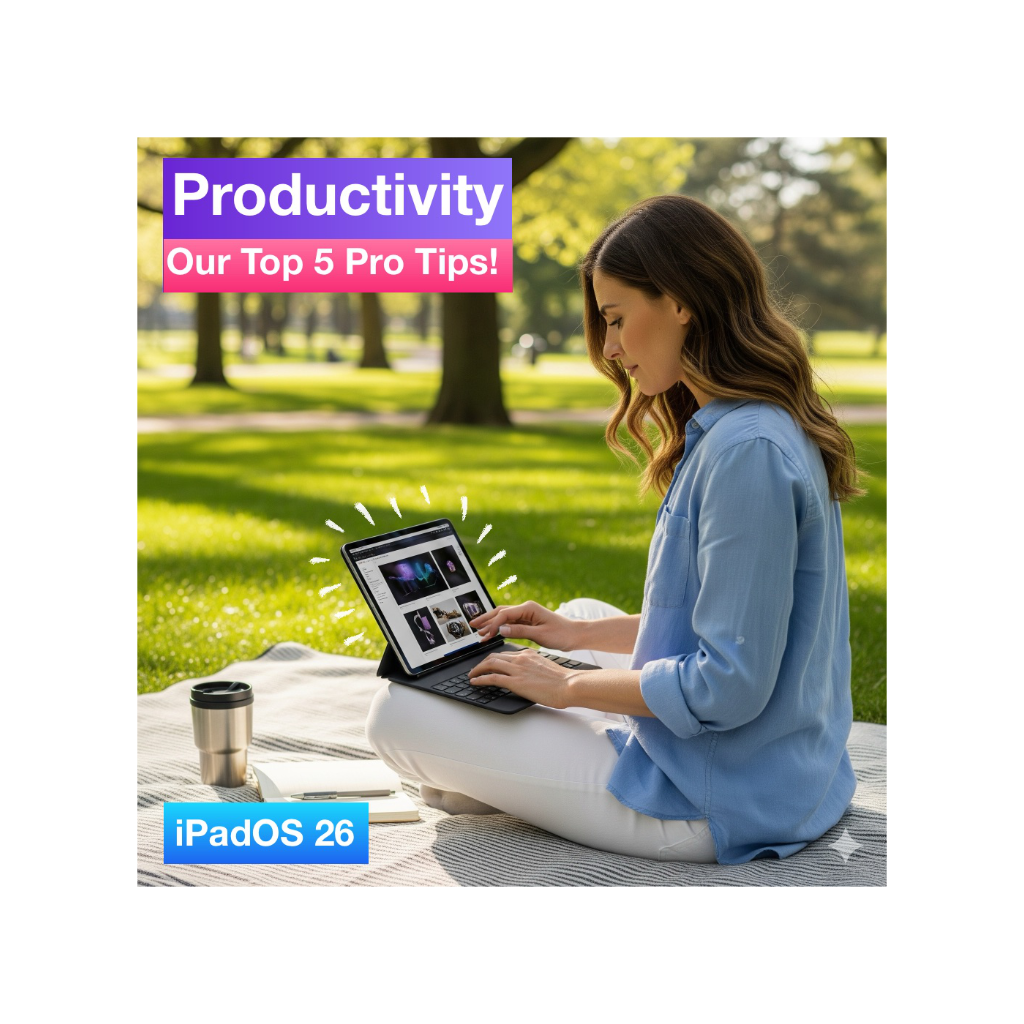
Top 5 Productivity Pro-tips for iPadOS 26
Here are our top 5 X iPadOS 26 productivity Pro Tips, to help you be more productive on your iPad.
-
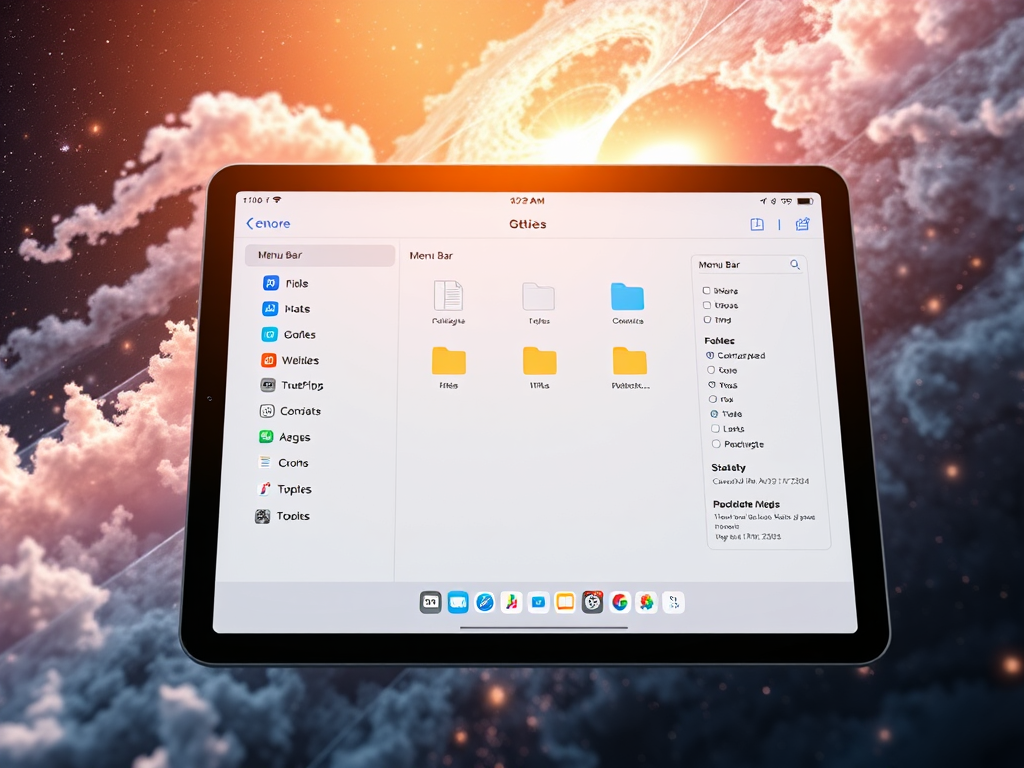
9 Features of the NEW Files App
The Files app in iPadOS 26 introduces some great new customisation features, making file management more efficient. These features allow for improved navigation, folder customisation options, and seamless app integration. All of these features allow for a streamlined workflow for users.
-
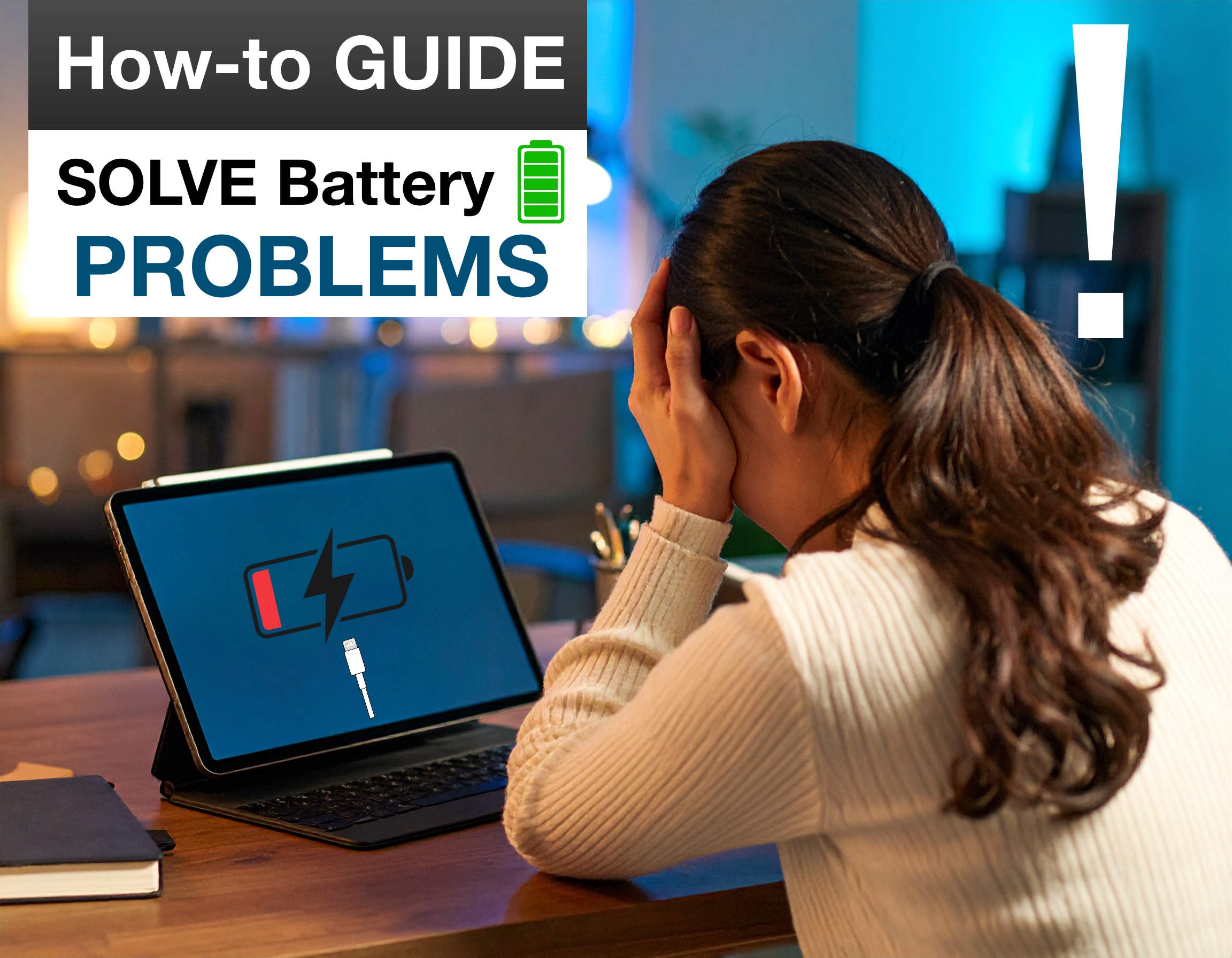
Solving iPad Charging & Battery Problems
In this How-to Guide series Part 1 – “iPad Charging & Battery problems”, we are going to cover some of your most asked questions about this topic and we are going to throw in some Pro Tips along the way 😀
-

Set up your perfect multiple App Layout with this NEW iPadOS 26 Shortcut.
In one tap, this brilliant shortcut which we have build for you, will save you a bunch of time each day, by arranging all your apps just the way you like them, giving you a nice productivity boost when iPadOS 26 launches. The Public BETA of iPadOS 26 is out and we are diving into…
-

What a M5 iPad Pro would mean!
It’s looking increasingly likely that Apple’s most powerful chip will once again debut in the iPad Pro, this time in the form of Apple’s M5 chipset. iPad Gets M5 First! Jump back to May 2024, Apple did something never seen before at Cupertino, they launched their latest most advanced chip, the “M4” on the new…
-

10 Essential iPad Tips for (beginners & Pro’s)
Whether you are a beginner or a pro these must know iPad tips will help you make the most out of your iPad and boost your productivity. Beginner Level 1. On Screen Keyboard Cursor. If you don’t have a track pad connected or you are using your iPad as a tablet, this handy feature makes…