
Hey iPad Enthusiasts,
You may think the most obvious place to start Part 2. of this “iPad Mastery” series after “Part 1. Mindset”, would be with the screen, since it is a touch screen device after all, right? I did think about this, but I came to the conclusion that this series isn’t “iPad basics”, it is “iPad Mastery.”
I think it is fair to say two things: that a person interested in following this series, is someone who understands the basics of operating an iPad and uses their iPad with a keyboard from time to time. Thus starting with the display would not be our first port of call.
In fact, making the topic centered around touching the display for this Part 2 issue, is not what will help you achieve a smooth, fast, flow state when trying to be productive on your iPad.
Managing Windows Without Touch
iPadOS has come a very long way when it comes to windowing, but thanks to iPadOS 26 we now have the ability to have a Mac-like windowing system with traffic light controls, freeform window resizing, window tiling, app expose and more.
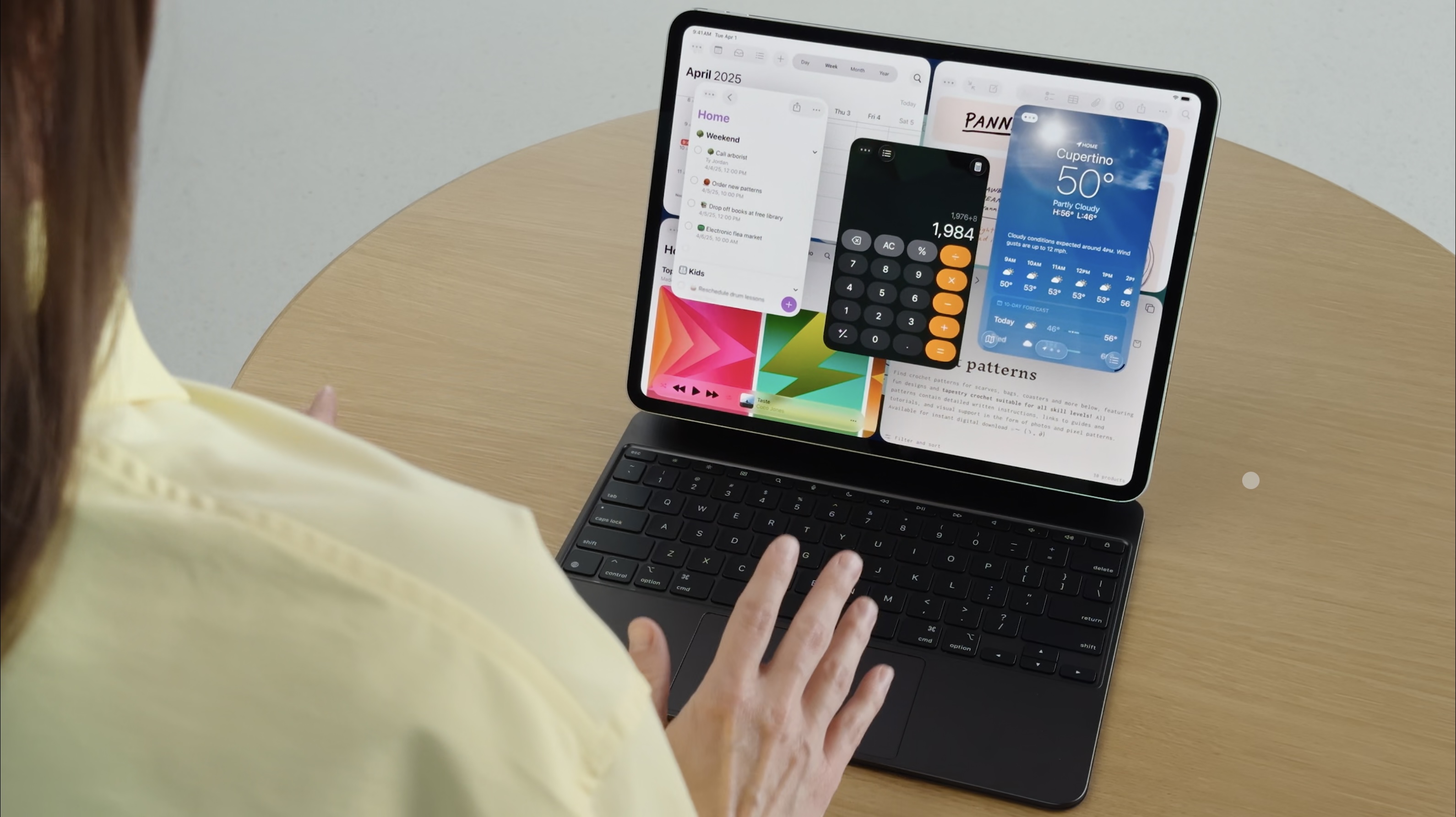
The problem most people experience with iPadOS 26, is managing all the new windowing functionality, particularly when they are trying to be productive. In that moment it can be very frustrating when you are not familiar with all the new features.
This frustration is mirrored when using a Mac. The difference is that with iPadOS, you can always just intuitively reach out move and resize windows with your finger, sure it maybe slow like it would be on a Mac with a cursor, but herein lies the problem.
In this case when it comes to window management, touch is not always the best, smoothest or fastest way to accomplish a task.
So let’s take a look at 8 powerful ways to boost your productivity on the iPad forever!
If you aren’t subscribed already, consider subscribing here to get FULL access to our site, including our Members only Newsletter. If you are subscribed enjoy the rest of the article and all the power user Pro-Tips coming up.

Leave a Reply