
Matt
-

Tea Commerce – Running a Tea & Gift Shop from iPad 🫖
In this Story, we sit down with Dee, co-owner of Mr Write, the most charming Tea & Gift shop, in the beautiful coastal country town of Hermanus, South Africa 🏔️.
-
We’ve Started A Podcast 🎙️
Hey Readers, You’ve read our tips, mastered our shortcuts, and transformed your workflow—now, it’s time to listen in.🎧 We are thrilled to announce the launch of our brand-new podcast: iPad Productivity. We’re stepping out from behind the keyboard and into your headphones to bring you deeper insights, app reviews, and a look at the “why”…
-

The M6 iPad Pro May launch Early
Bloomberg Apple reporter Mark Gurman first speculated that the next iPad Pro would feature a Vapor Chamber cooling system on October 26, 2025 edition of his Power On newsletter. Coincidently and completely by chance, three weeks earlier on the 2nd of October, your boys at iPad Productivity wrote an article suggesting this would be a likely move from Apple…
-

Red Dead Coming to iPad!
Yes you read that correctly, Red Dead Redemption is coming to the iPad…Finally!
-

M5 iPad Pro – Our Take!
Now that the dust is starting to settle, we can start to sort the wheat from the chaff in terms of what the meaningful improvements to the new M5 iPad Pro are. As you have come to expect from your boys here at iPadProductivity.com, we have been keeping our ear to the ground, listening carefully…
-

M5 iPad Pro with Vapor Chamber?
Apple just debuted a new piece of technology that has left many people shocked at it’s overall impact. Yes you may have guessed it, I am talking about Apple’s new Vapor Chamber, and we think it could be a game changer for the new iPad Pro and here’s why. On the 9th of September Apple…
-

iPadOS 26 – All you need to know!
We are excited to launch a new section on our website dedicated to the latest software for iPad. Here you will find all our blog posts related to the new iPadOS software. In it you will find, reviews, thoughts, Pro Tips and more…
-

Top 5 Productivity Pro-tips for iPadOS 26
Here are our top 5 X iPadOS 26 productivity Pro Tips, to help you be more productive on your iPad.
-
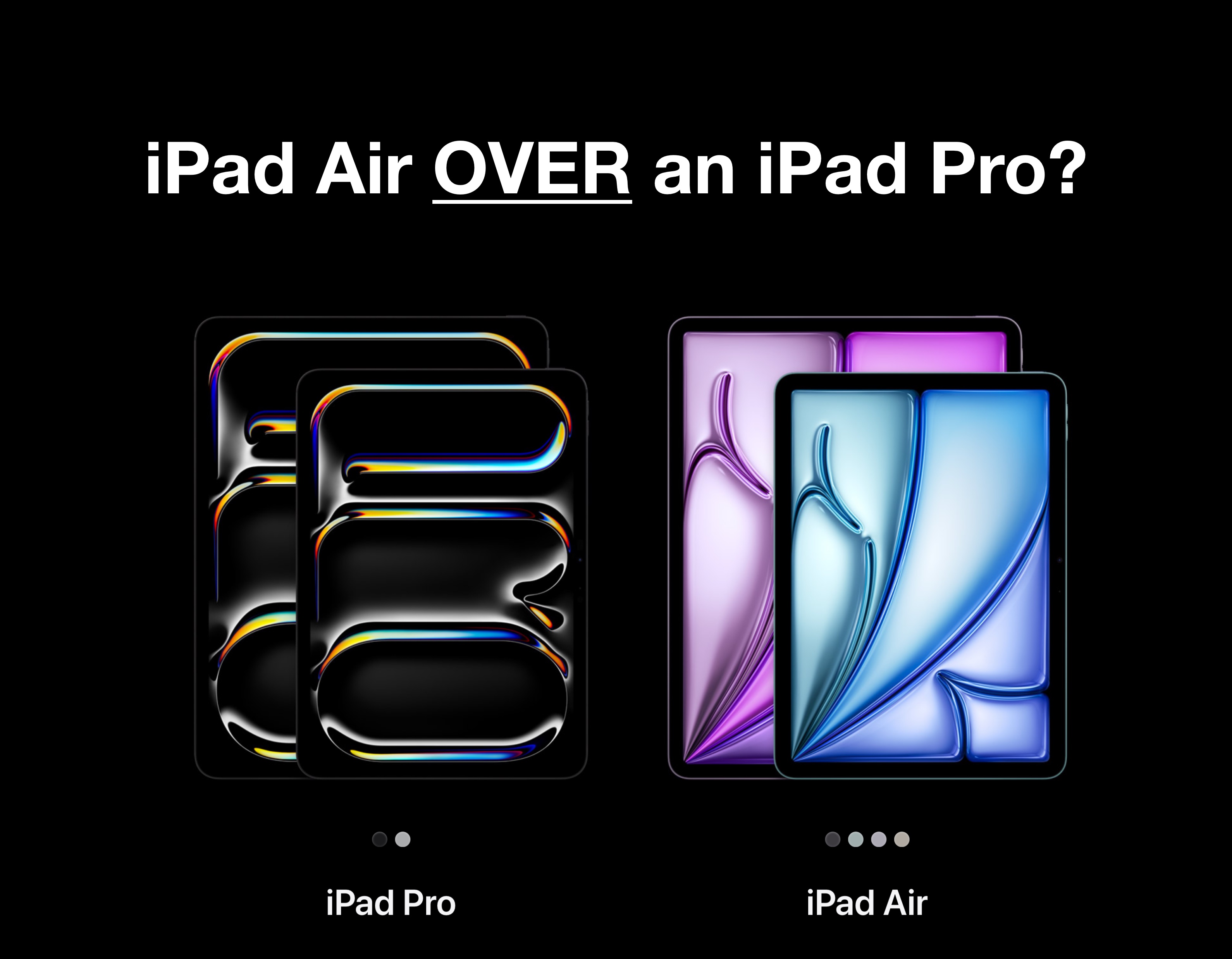
Should you buy an iPad Air over an iPad Pro?
In this post, we discuss 3 lesser known very important questions, to ask yourself when choosing between an iPad Air and an iPad Pro, plus BONUS content for you at the end – we have crafted a very helpful decision tree that can assist you and others decide which of the two devices is right for you. …