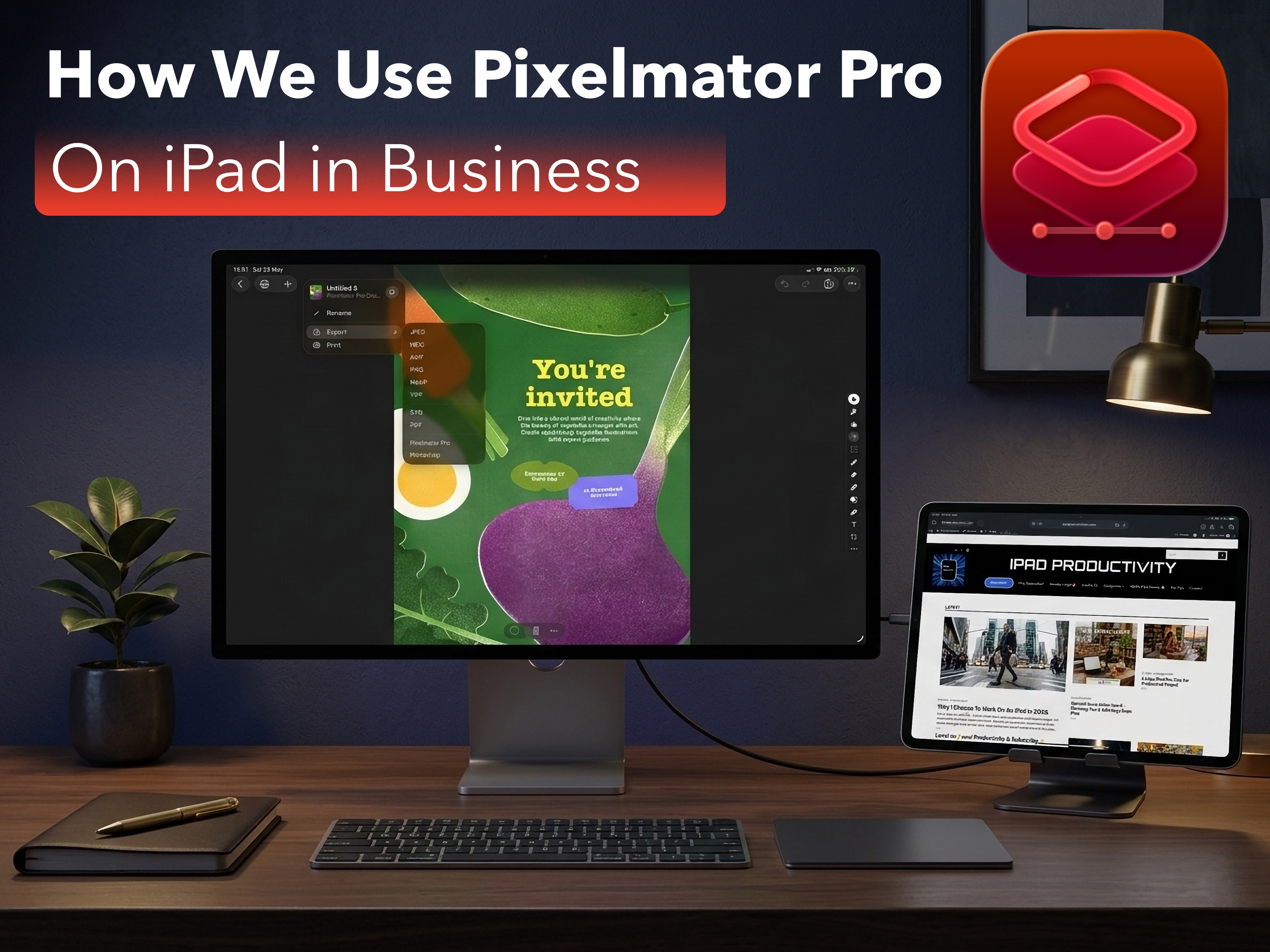
Apple recently released it’s Creator Studio bundle on iPad. We were so excited, we jumped in immediately, for one App in particular… Pixelmator Pro! But what is the difference and is it worth it? Here’s our experience and what we use it for.
We were big time users of the original Pixelmator Classic right from the start when it first launched on the App Store. For business, it was incredible seeing what we could create right from our iPad’s using the app, but it was always missing features the Mac version had, but now that’s changed!
Pixelmator Pro Brings Vector Support

This is Huge for iPad business users and we were very excited about it, let me tell you why.
You’ve probably heard the term Vector format before. Vectors are used in place of JPEG’s and PNG’s because they are infinitely scalable, meaning they don’t pixilate when you shrink or enlarge them.
The companies we use to print our different advertising media,(think brochures, pull up banners, pop-up displays etc), often request Vector format. So it’s fantastic that now we can export in SVG format easily, without needing to hop to another app. We require this type of media for industry and distributor trade shows which we attend frequently.

As a master distributor of physical products, we also need to send artwork in the form of graphical designs, different brand logo’s, icons, product elements etc, to our Resellers & Distributors, who intern promote and sell our products. This type of media is again generally requested as Vector files. As mentioned above these are often for trade shows and events with display stands, flyers, etc.
Vectors are also used extensively in website design because they are very lightweight. This means they are easy for webpages to load and easy for web designers to manipulate because vectors are made of code. So for logo’s, icons and UI elements, vectors are ideal.
You can see why the inclusion of Vectors in Pixelmator Pro is a big deal for us and obviously many other professions iPad users.
But thats not all we liked…
ML Super Resolution
One of our most loved features of Pixelmator Pro, its “Super Resolution”. This is possible on the Pro version because of Apple Intelligence and Core ML frameworks. It has deep integration with Apple’s Neural Engine.
“Super Resolution” on Pixelmator Pro works by using AI to upscale the image while preserving the sharpness, clarity and detail.
In practical terms we use Super Resolution to improve old images even new images generated by Gemini are made better through the use of this tool. We use it for polishing graphics and icons that we may need to re-use, on say our website, online store or LinkedIn or other social media channels.

As we represent brands from our principals, we rely on the images they send us for allot of our marketing purposes. A great use of the “Super Resolution” feature is enhancing older product pack shots. Often these images are made significantly better through Super Resolution.
One of the beauties with this feature, is that it is fully processed on device, unlike most similar AI tools of this type. This is a big win for company security and IP protection.
Non-destructive Editing

One of the best features of the new Pixelmator Pro, is the inclusion of non-destructive editing.
This means that every adjustment, image edit, effect applied or cropping change, is saved as a live filter. So months later if you decide to tweak an image or graphic, you can do so without harming the original image.
With Pixelmator Classic, if you apply color adjustments or effects, such as Curves, Levels, Hue or Saturation or a Filter, those changes are effectively baked into the pixels and the change is permanent. The only way you can change it is by tapping “undo”, however there is a big catch, (and one that has caught me many times). If you close the app or save the project, i.e by going back to the folder screen, your changes are saved and uneditable.
Product Adverts
We also use Pixelmator Pro to create Adverts, Promotions and Specials which naturally change over time. Being able to revisit them and make a few tweaks, modify the image or change the pricing, is crucial functionality for us.
This is also such a welcome feature for many other types of business i.e retail, who may want to update the look or feel of an existing product, clothing line, graphic or image, say for a new season, campaign or general refresh.
Huge Templates Library