
In our previous post we talked about our favorite features Apple announced for iPadOS 26 at WWDC in June, this article is going to focus on unannounced, lesser known features that iPad users would care about.
Number of Windows Limited by Device
One of the best new features shipping with iPadOS 26 is Windowing. It appears that the number of windows that may be displayed on screen at one time is limited by the devices ram. Don’t panic if you have an older device because even the 8th Gen base model iPad still gets great Windowing and plenty of them.
- If you are unsure exactly what iPad generation/ model you have, you can check quickly by opening the Settings App, tap “General”, then Tap “About” at the Top of your screen, you should then see your “Model Name” and info.
Speaking of ram, an interesting and lesser known hardware feature of the iPad line up, is that the iPad Pro 1T & 2T models have 8gb more ram for a total of 16gb. This higher ram configuration is not available for the rest of the line up. The next highest ram option is in the iPad Air with 8gb.
This may be another factor to keep in mind when choosing your next iPad. In our experience the most noticeable situation where additional ram makes the biggest difference, is when connected to an external display. If you intend to use an external monitor connected to your iPad every day and your iPad is your main computer, then we would recommend considering the iPad Pro, 1T option. This configuration applies to M1, M2, and of course the latest M4 iPad Pro’s.
Control Center Shortcut for Windowing Modes
We learned recently that, apparently you can toggle between Windowed Apps and Stage manager mode in control center by long pressing and you won’t need to open the settings app to do this, nice touch Apple.
No, Stage Manager can’t run on an iPad Mini!
You might think Matt isn’t this obvious on an 8.3” display? Actually no, Apple gave us proper windowing in iPadOS 26 and it works on the iPad mini. Unfortunately you can’t get more versatility out of your iPad mini by plugging it into an external monitor and having Stage manager work. The iPad mini will still mirror on the display. What a great feature that would be if the iPad mini could actually run Stage manger! Samsung allow their version of Stage Manager on their phones, its called Samsung DeX and now it’s wireless. One could also look at the size of the mini’s display and make a case for Stage Manager being very useful on an external monitor, food for thought Apple 🤔.
You can run MULTIPLE Background Tasks
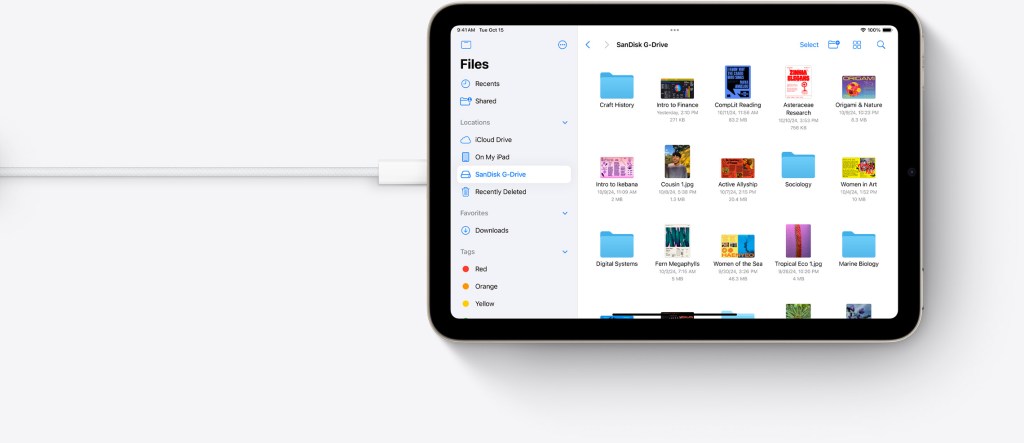
One of our favorite features Apple announced at WWDC is Background tasks, (view our previous post here to learn more about this killer feature). We are please to report, it looks like you can run multiple background tasks simultaneously, meaning you aren’t limited by one background task at a time, it actually appears to be uncapped! This applies to file transfers, exports, etc. It is quite possible that you can in fact run into a scenario like this, whereby you will need to run multiple background tasks at once. For example you are transferring photo’s/files from one folder to another while you wait for your new photo’s/files to move from an SD card to your Files App.
Shortcuts for Window Management
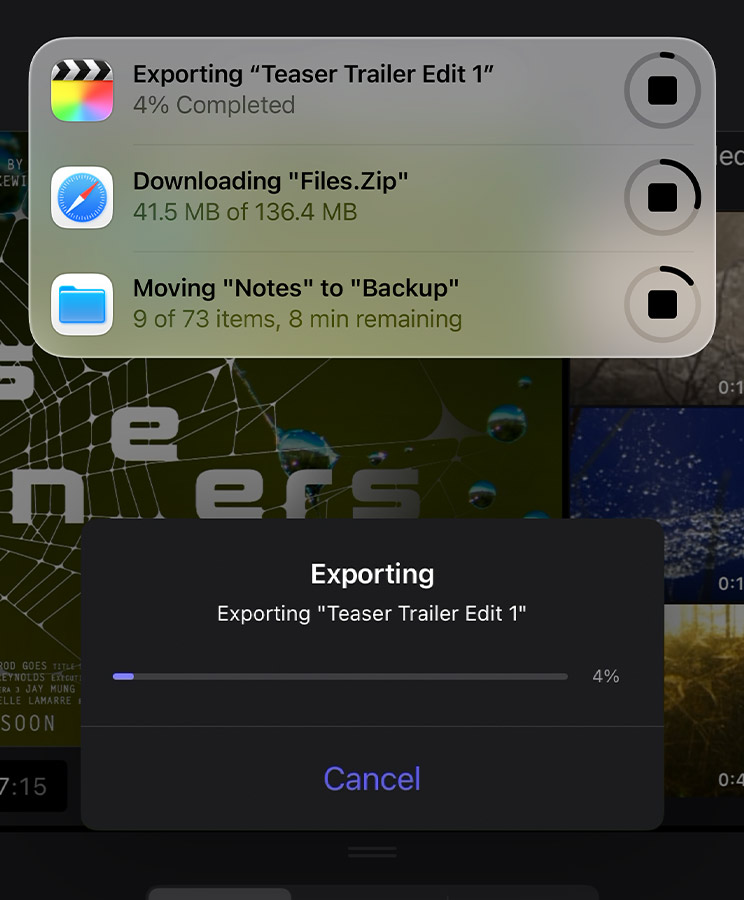
Shortcuts does appear to tie into window management, a feature we have been after for years but to what extent we will let you know in the coming weeks.
Screen Time Parental Controls get more powerful.
As a parent myself, this is an area I feel strongly about, (subscribe for free below To get notified about our upcoming post on how best to protect your kids with Screen Time).
In our opinion enabling Apple’s Screen Time for your children is an absolute MUST in this day and age. Screen time offers a layer of protection and peace of mind that you can rely on and I love it. iPadOS 26 expands on these important parental controls, by introducing a host of new options to manage Child Accounts, as well as making the process simpler (finally!), because setting up and managing Screen Time was not as straight forward as it could have been. Other great additions to parental controls coming soon are; Improvements to age-appropriate in app content, more granular age ratings on the App Store, safer communications for kids, protections for your child account by default should you choose to finish setting up later and more. We will be diving into all that Screen Time has to offer parents soon, so stay tuned 😉.
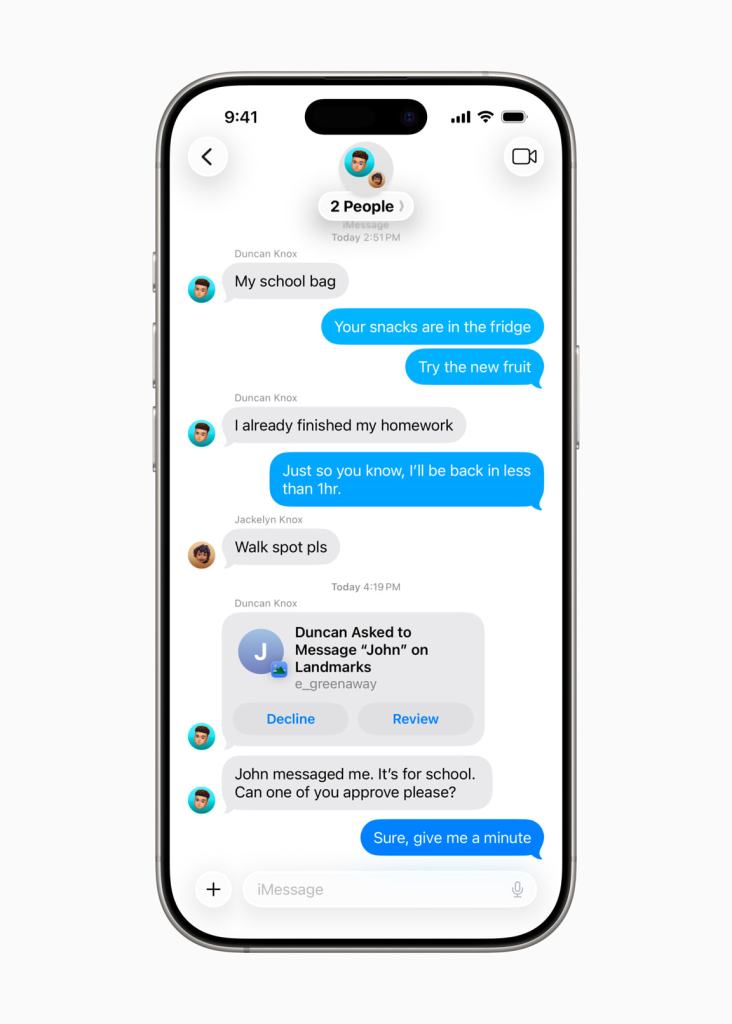
Another big update we are excited about in Screen Time is – not needing to share your child’s birthday in apps, a huge privacy annoyance I have found when setting up new apps for my kids. Also App Store Product pages are now going to display more important information for parents, such as; whether or not the app contains user-generated content, messaging or advertising capabilities. App Store Product pages will also let you know if apps offer parental controls or age assurance.
The 3D wallpaper Effect works GREAT on iPad too
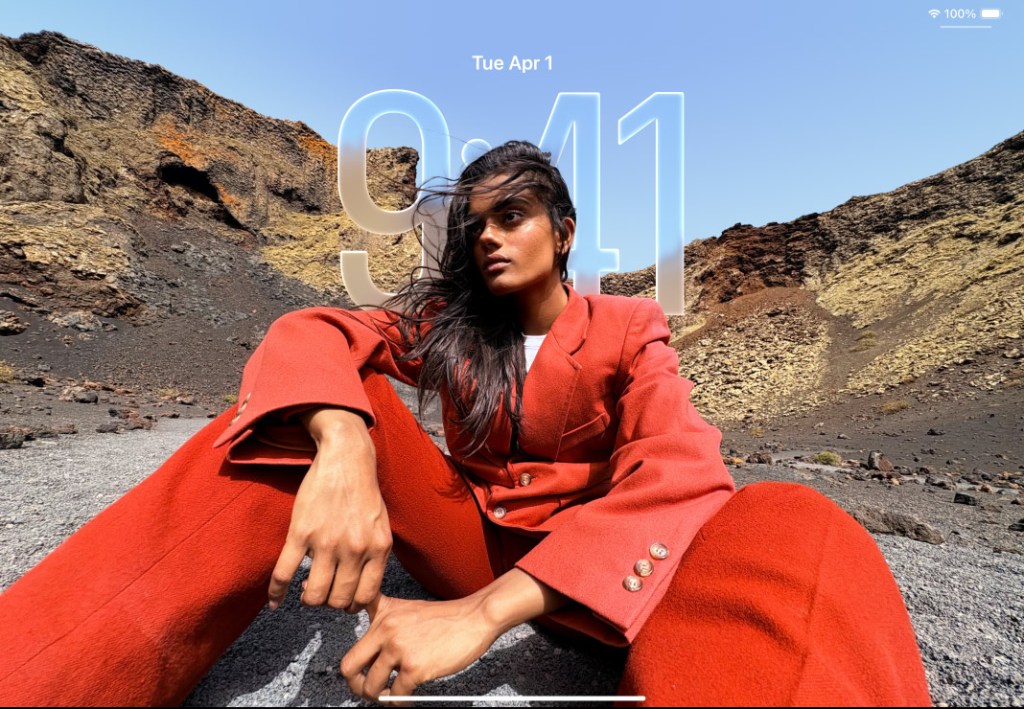
The new iOS 26 feature which gives your iPhone wallpaper that 3D look, works great on iPad too! We assumed this would look better on the iPhone, we were wrong, it looks fantastic on iPad as well.
The Settings App is Finally Resizable
Thats right, you can now fully resize the settings app, what a time to be alive! But seriously that will help when you want to reference the way an app responds to different settings being toggled on and off. Now you can have the Settings app in the size of the window you prefer offering you the best experience for whatever you are doing.
More to come…
If you are enjoying these lesser known tidbits about iPadOS 26, there is more to come, as iPadOS 26 will only be out in September. So we invite you to join our special iPad community for free to stay up to date, joining helps us know that you are enjoying our content and it motivates us to keep our bog ad free and content rich.
Chat next week,
Matt



Leave a comment