

Searching and Launching apps is what Spotlight is most well known for, but did you know there is so much more Spotlight for iPad can do. Here is our list of 10 useful things you can do right now using spotlight search.
What is Spotlight Search 🔦
For those who may not know Spotlight search is triggered by either swiping down from the center of your iPad or by pressing “cmd+space” if you have a keyboard.
1. Track a flight using the Flight number ✈️
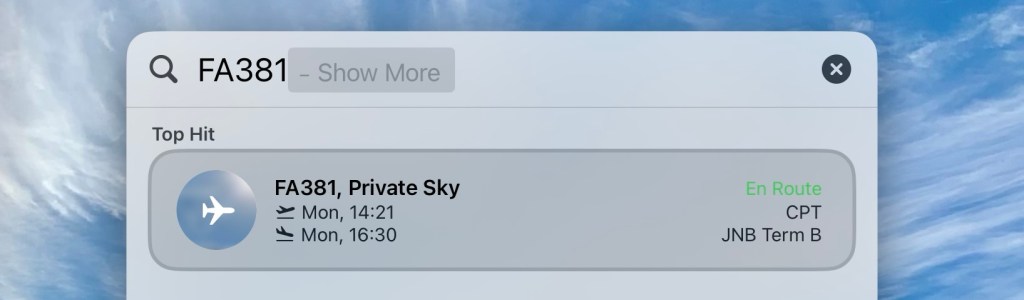
That’s right, you can track a friend or family member’s flight progress using their flight number.
2. Run a shortcut directly in spotlight 👨💻
Use spotlight search to run Shortcuts, it’s much faster than opening the shortcuts app, searching for your shortcut and tapping on the shortcut.

3. Currency conversions 💵

Whether pondering an exchange rate or doing a currency conversion, spotlight can assist.
4. Launch a website or url 🌐
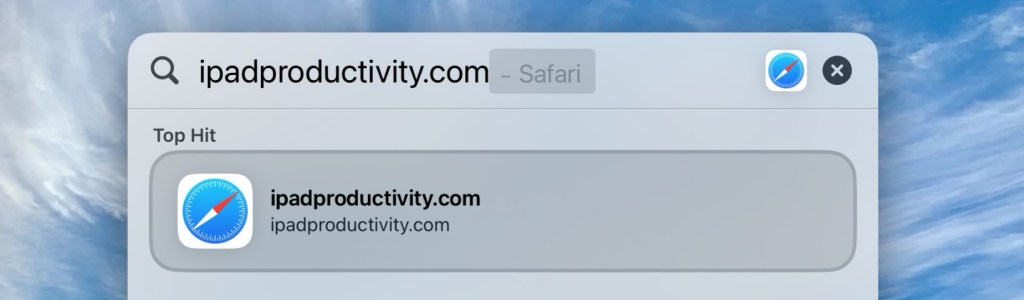
Why bother opening Safari, clicking in the URL field and typing the website address, when you can simply type it into Spotlight, it’s much faster!
5. Calculations ➕
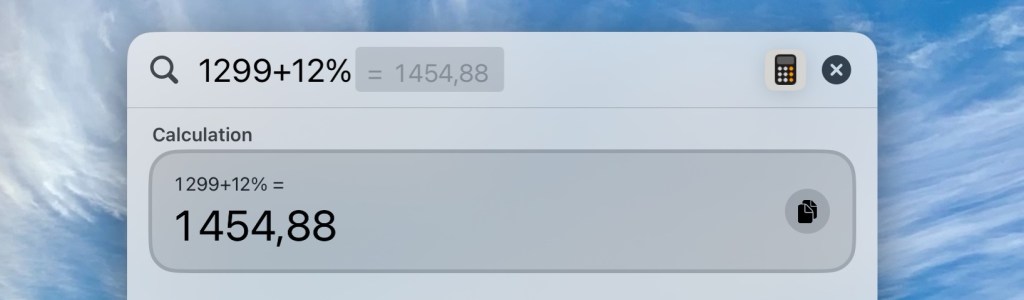
Don’t bother with the calculator app for simple calculations, just use Spotlight, it’s instant and works over any app you’re in.
6. Find photos by describing them 📸

Often one needs to find photos for work or personal use, don’t search for them in the photos app, find them much faster by simply describing the photo in Spotlight, you can even expand your search by tapping “shore more”.
7. Instant Answers 🙋♂️

Can’t remember the name of a capital city or the time right now in a country, just Spotlight search it.
8. Get the definition of a word 📖
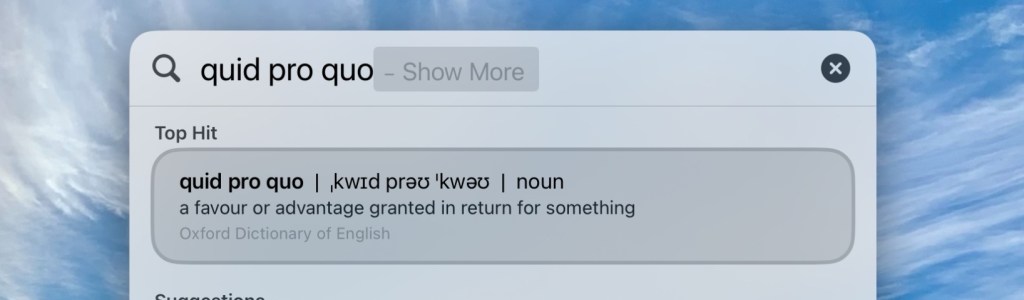
Not sure of the meaning of a word you have just read in an email 📧 or article, just type it into Spotlight search and there you go.
9. Check the score on a live Sports Game ⚽️
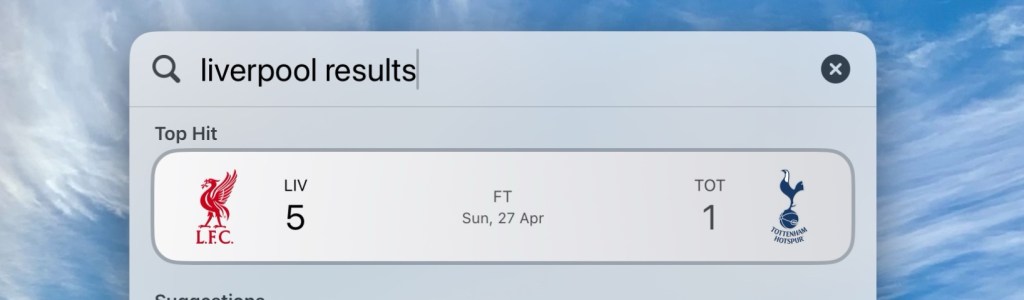
Wondering what the live score is of your favorite team, tennis match, F1 race, golfing, event, etc, use Spotlight.
10. Check your Weather or temperature 🌦️
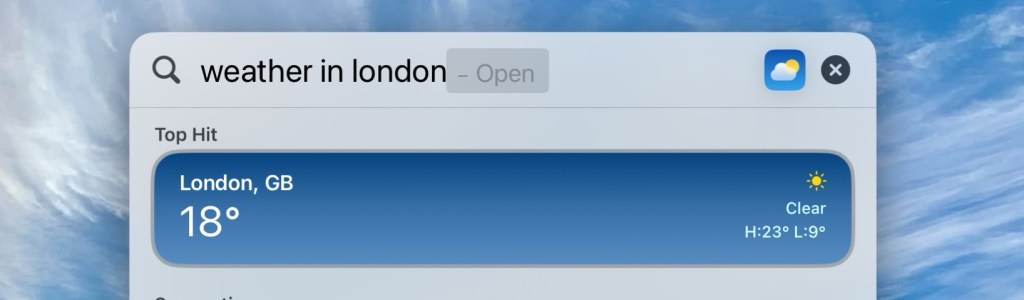
Thinking about the weekend, or what to pack for an upcoming trip, simply type in Spotlight “weather today” or “temperature today” or add the city name as well.
As one can see Spotlight can help you with a myriad of things no matter where you are in iPadOS, in an instant.
If you are enjoying these articles please subscribe below 👇 , it means the world to us and helps us know you are enjoying our content.
Thanks for reading, have a great rest of your week.
Cheers,
Matt.





Leave a comment