
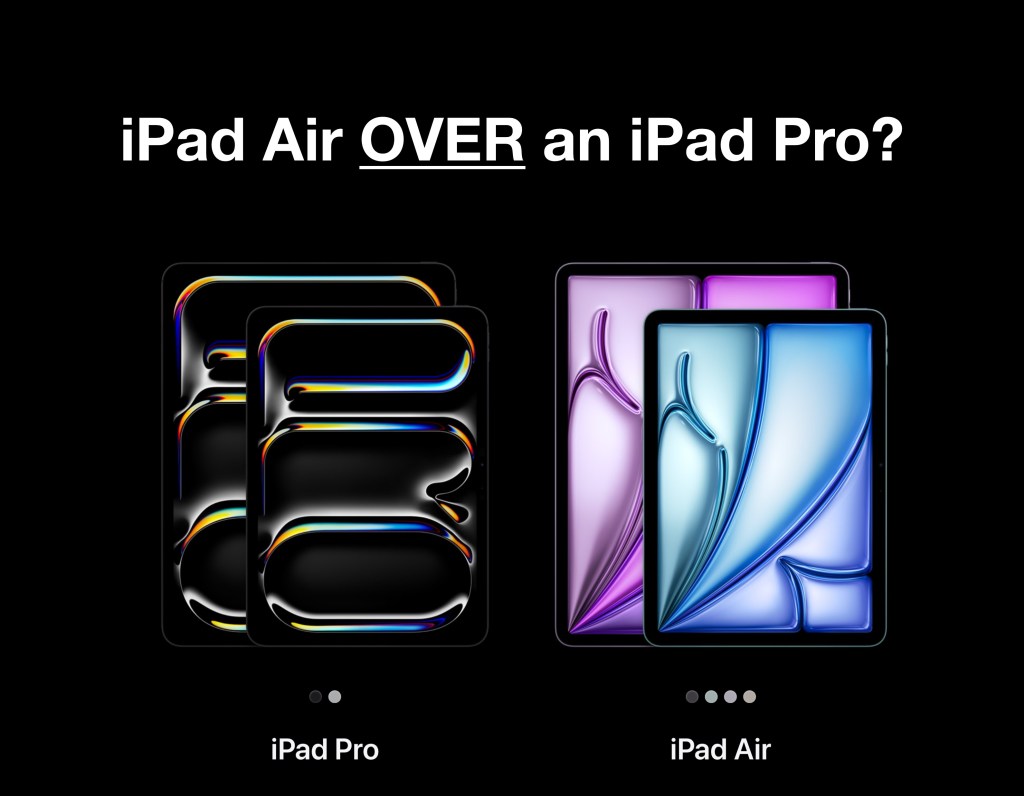
In this post, we discuss 3 lesser known very important questions, to ask yourself when choosing between an iPad Air and an iPad Pro, plus BONUS content for you at the end – we have crafted a very helpful decision tree that can assist you and others decide which of the two devices is right for you.
Today in 2025 choosing between the iPad Air and iPad Pro is more tricky than you may realize, both these products are now more similar than ever before. You may be thinking, well the iPad Pro seems like the best choice because its the top of the range iPad, and Yes you would be right, if money is no object or, if you know for sure that it’s the right device for your needs. However if you want some extra help in deciding, were are here to help.
Subscribe below 👇 for FREE Pro-tips and iPad focused content delivered straight to your inbox 😊.
1.) How much RAM do I need?

If you are looking for superb performance or if you just want to future proof your device, you don’t have to go straight to the iPad Pro. The iPad Air today is an immensely powerful device. People forget it was the original iPad Air released in November 2013, that used to be Apple’s Flagship iPad. The iPad Air has always been marketed as a budget friendly, performance orientated iPad and that still holds true today.
The latest generation iPad Air is in its 7th iteration and to give you a tangible comparison of its performance, – the Air offers similar performance to a 2023 MacBook Pro 14”, and boasts a higher single core performance score than a 2023 Mac Studio with M2 Max chip! – I am not kidding! See the screenshot below 👇.

This performance is a result of Apple’s blazing fast M3 chip architecture. The M3 Chip is built on the same 3 nanometer process as the M4 Chip found in the iPad Pro. Featuring an 8-core CPU and 9-core GPU. So it’s not surprising the performance difference between the Air and Pro is only about 15-20%.
At this point you may be think to yourself, “do I really need the extra performance the iPad Pro offers?” And you would be right to think that, but the real question is actually, how much RAM do I need?
RAM vs Reality.
There is a difference in RAM between the Pro and the Air. The iPad Air M3 supports 8G of RAM whereas the iPad Pro can be specked with up to 16G of RAM if you choose the 1T or 2T storage model. This becomes an important consideration if you are doing;
Particularly Heavy Multi-Tasking – (multiple resource intensive apps open at once on one or more screen with Stage Manager i.e Web Browser with many active tabs, multiple large spreadsheets, large presentations, etc. )
Content Creation and Media Production ( Video, Podcasting, Music Production, 3D Modeling & Animation, Graphic Design, i.e jumping between Multiple pro Apps open at once.)
Resource intensive Gaming – Games like Death Stranding, Resident Evil Village, Assassin’s Creed and considering more AAA ports are coming the iPad, all use a lot of RAM, for example the newly released Hitman World of Assassination.

Don’t be put off by the Air’s ram, the device will have no problem dipping into any of these tasks above 👆. That is in part due to Apple’s very clever “Virtual Memory” otherwise known as Memory Swop. This is where the operating system free’s up used ram (i.e an inactive minimized app), by moving it from fast memory (RAM) to the devices solid state storage (SSD), which is slower. In doing this more RAM is available for the system, preventing crashing or slowing down of Apps, the System or (UI) User Interface. This technique is only possible due to Apple’s SUPER fast SSD’s. If you notice your device is often running slow when you have a lot of apps open, then it may be that your device is having to perform this process constantly. Ultimately to solve this you will need more RAM. If you foresee yourself doing allot of these tasks you will appreciate the extra ram and horse power of the 1T & 2T iPad Pro’s.
2.) Do I fit into the iPad Air’s target market?
Apple’s target market for the iPad Air is the user who seeks a balance between the affordability of the standard iPad and the high-end professional features of the iPad Pro. There is no question about it – the iPad Air is a “Prosumer” device.
These types of users are those who want more power and functionality than the base model iPad, but don’t have a need or desire to pay for the ultra premium features of the iPad Pro. Consumers like this typically are;
Proffesionals with lighter workloads – users who need an array of professional apps for light usage in a professional setting.
Entrepreneurs – who need to dip into advanced workflows and apps but spend the majority of their time in typical productivity apps.
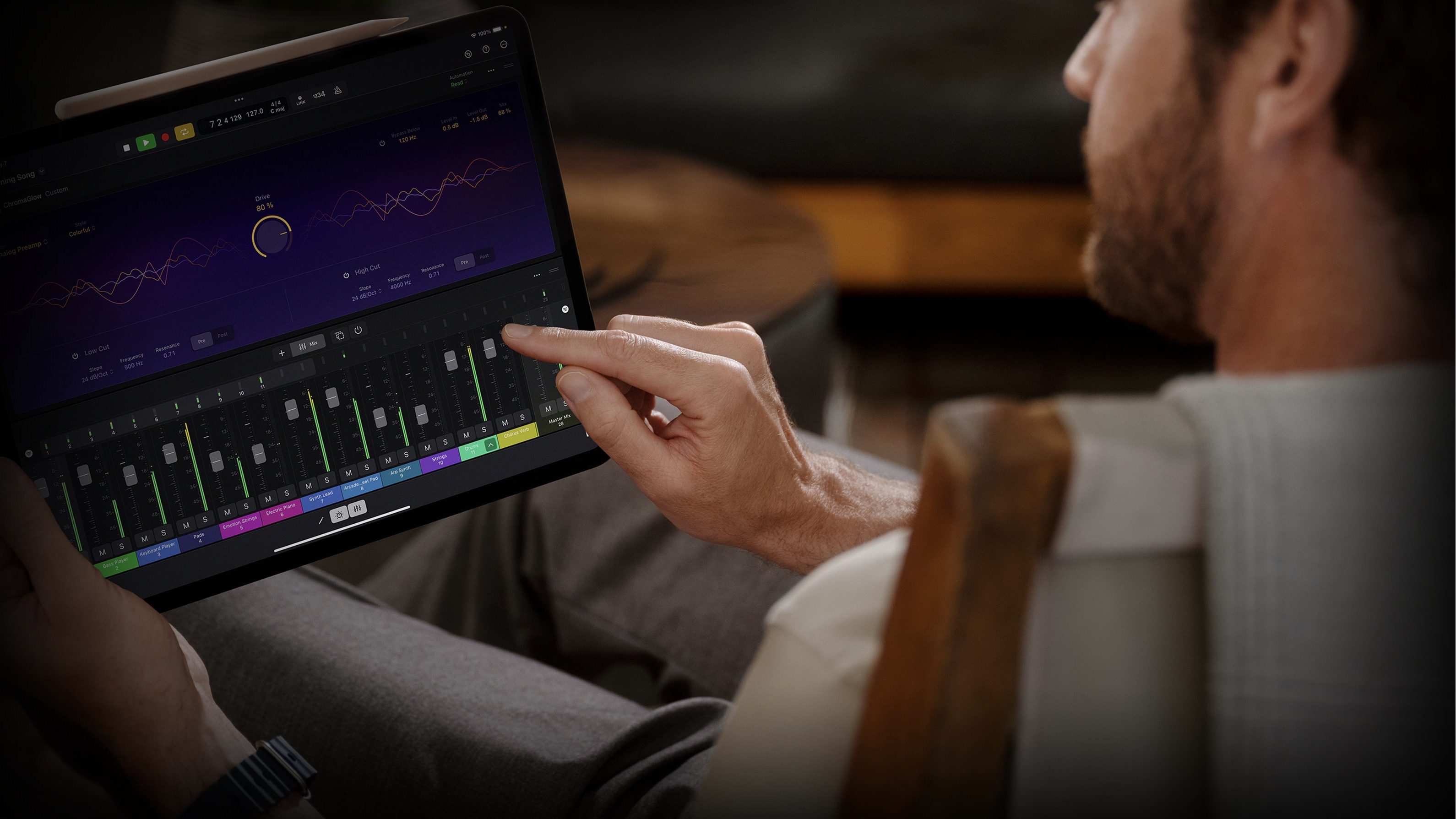
Creatives doing their own content creation – Users who create media for themselves either as a hobbyist or for use in their own company, ie your own company website, social media, marketing, advertising etc, without selling the content you are creating.
Students and Educators – who have more demanding workloads outside of the scope of the base model iPad, i.e subjects that require Pro Apps for students, order educators that spend allot of time on their iPads teaching will appreciate the extra performance of the iPad Air over the base model.
Consumers Seeking a more premium experience – those wanting more than what the base model iPad has to offer, this may be to play more graphics intensive games, a desire for a more immersive experience when watching movies, smoother, snappier performance when doing productivity tasks, web browsing, spreadsheets, etc.
3.) What Peripherals Do I need?
Have you considered the Ports?
The iPad Air has a USB-C, 3.1 Gen 2 port, capable of 10Gbps. This is perfect for most people and ideal for connecting to 4K displays.
However if you need or want to connect to a 5K external display, you will have to go with the iPad Pro. The iPad Pro has a Thunderbolt 4 port, capable of 40Gbps. The much higher bandwidth is required to drive 5K and 6K displays used by photo, video, graphic design professionals and hobbyists seeking high resolution pixel clarity and colour accuracy.
Are you particular about Keyboard Cases?

When purchasing your ultimate portable device, you will likely want a keyboard case for when working out or away from your desk.
The keyboard cases Apple makes for the iPad Air and iPad Pro are hands down the best in the market, in terms of build quality, trackpad feel and functionality. The main differences between the Air and Pro Keyboards are;
Materials – The iPad Pro Magic Keybard features a new aluminum palm rest, making it feel very Mac-like and premium. While the Air maintains the same soft luxurious soft rubbery feel as before.
Trackpad – The iPad Pro Magic Keyboard has a new larger trackpad with haptic feedback, this provides a more responsive and precise user feel. The iPad Air’s trackpad is smaller and lacks the haptic feedback, this means you have to press a little harder due to the springboard-type mechanism underneath. This results in the users noticing an easier to click feel lower down on the track pad vs higher up. Honestly we don’t really mind this system, our main gripe is actually the sound the trackpad makes when “clicking”, it can be quite noticeable.
Weight – The iPad Pro Magic Keyboard is slightly lighter than the Air’s by only 47g which is about the weight of an AirPod Pro case, so it’s not really a factor to influence your decision, but does add up.
Thanks for reading till the end, BONUS – to help you even further in making your decision, we have created a helpful decision tree below 👇 to confirm your choice of either the iPad Pro or iPad Air. Please feel free to share 📧 this article to friends and family who love their iPads like we do.

If you enjoy iPad focused productivity content, then subscribe and get our hot takes straight to your inbox 📥.
Cheers,
Matt



Leave a comment