

Have you ever wondered what animal or plant you have photographed or seen in an image? Well wonder no more as apple has you covered!
From either the files app or within photos on IOS or iPadOS your device will automatically identify a particular subject from an image. This can also be achieved from a screenshot and within screenshot editor.
This is impressively done in the background and all you need to do is look for the info “icon” with stars to the top left, this is located on the top right hand corner of the app window.
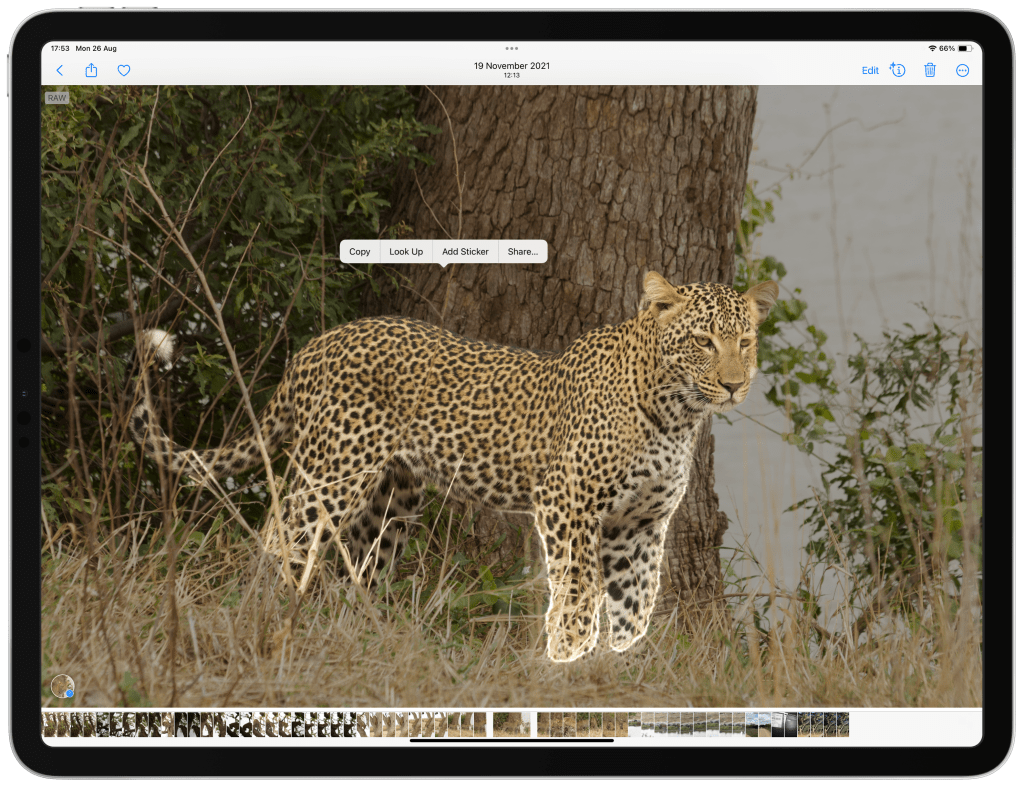
Once you click on the symbol it will appear on the foreground of the image highlighting the subject being identified (paw print for an animal and leaf for a plant). This is done in a similar manner to how a subject is subtracted from an image to generate a sticker or remove it from the image.
Let take a look at how to do this.
Step 1:
Open an image in either “Photos” or “Files”.
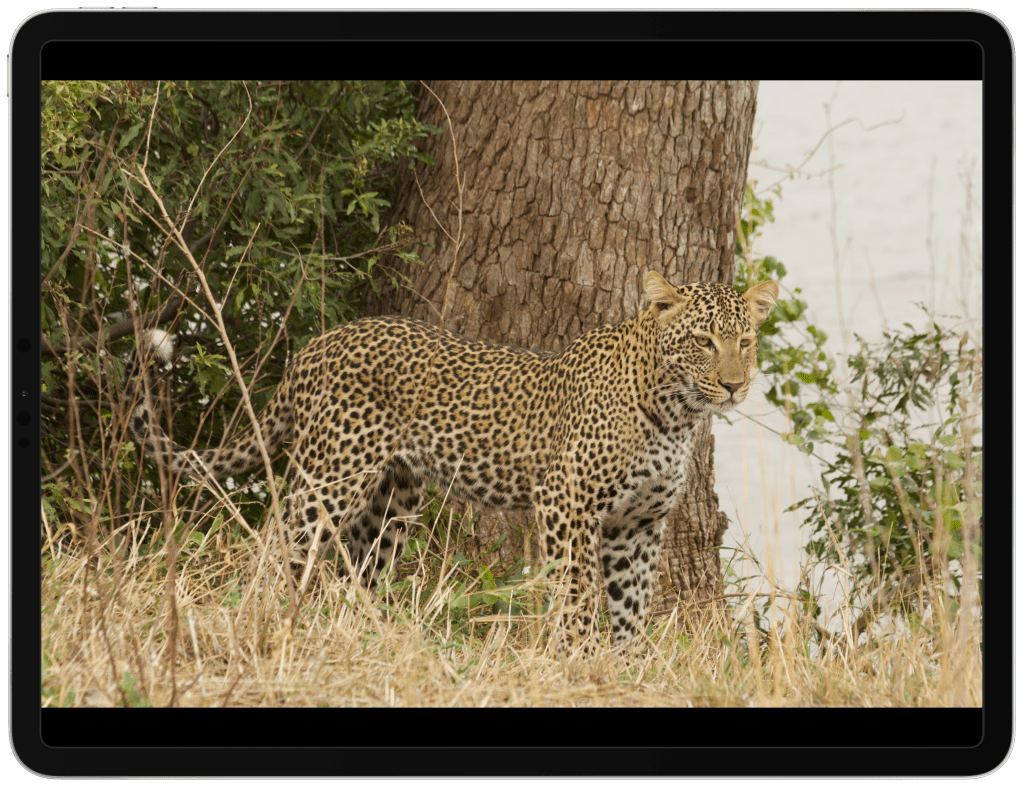
Step 2:
Look for the appropriate symbol on the top right of the window.
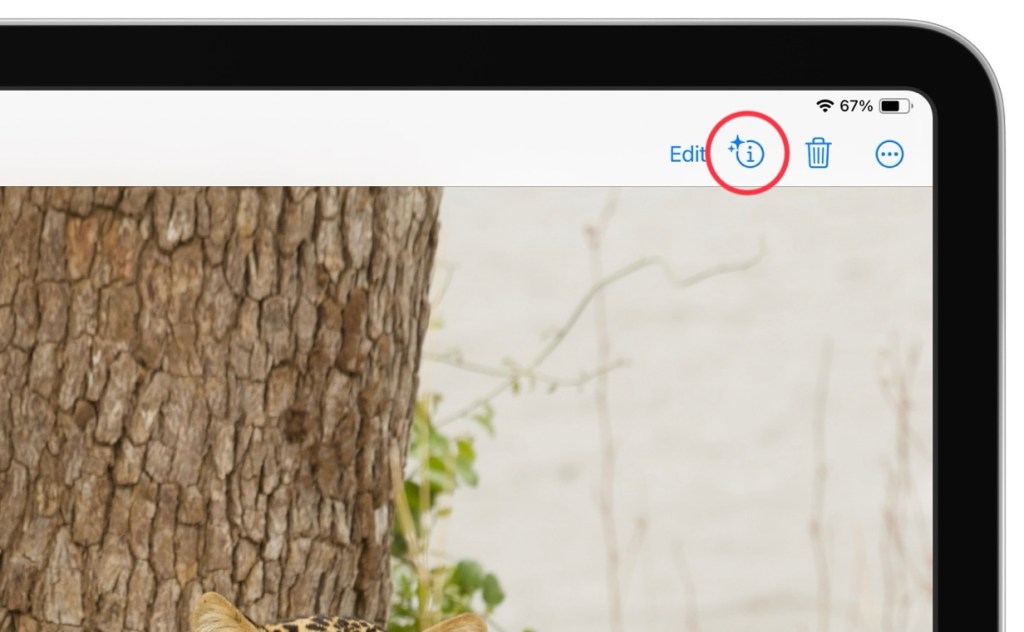
Step 3:
Select the “Look up option” from the pop up menu.
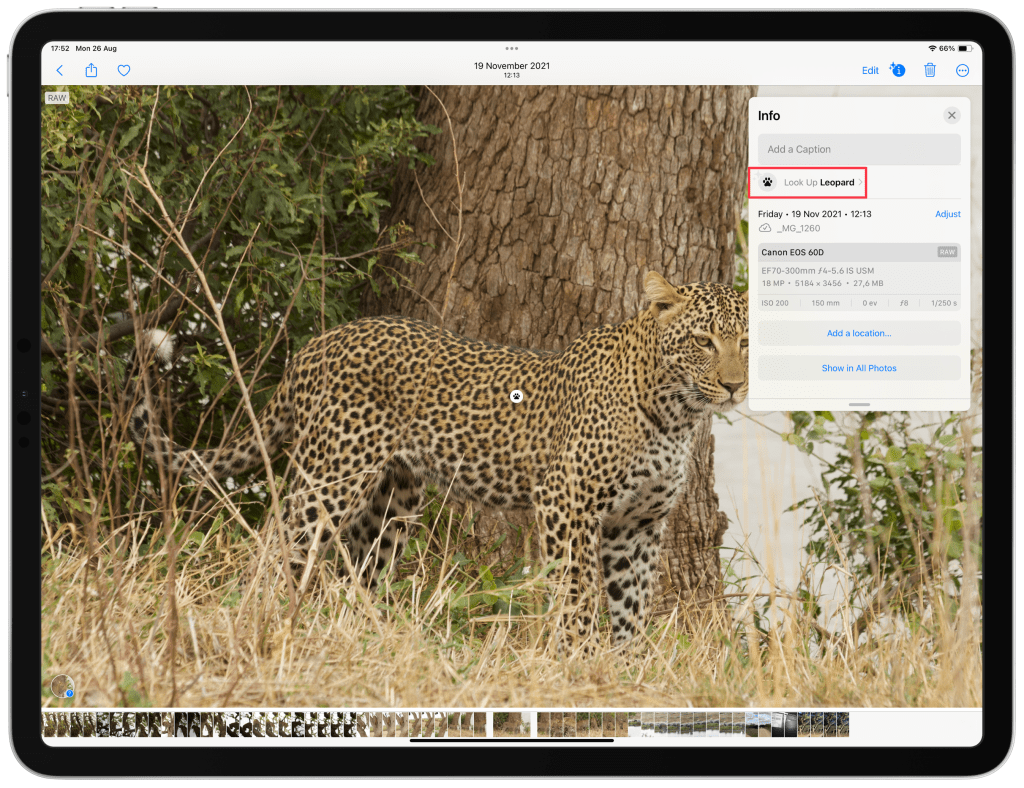
Once selected it will display what has been identified, in this case a Leopard and a paw print symbol has appeared on the subject that was identified. If you tap the “paw print” further details about the subject are revealed and some information is displayed along with similar images.
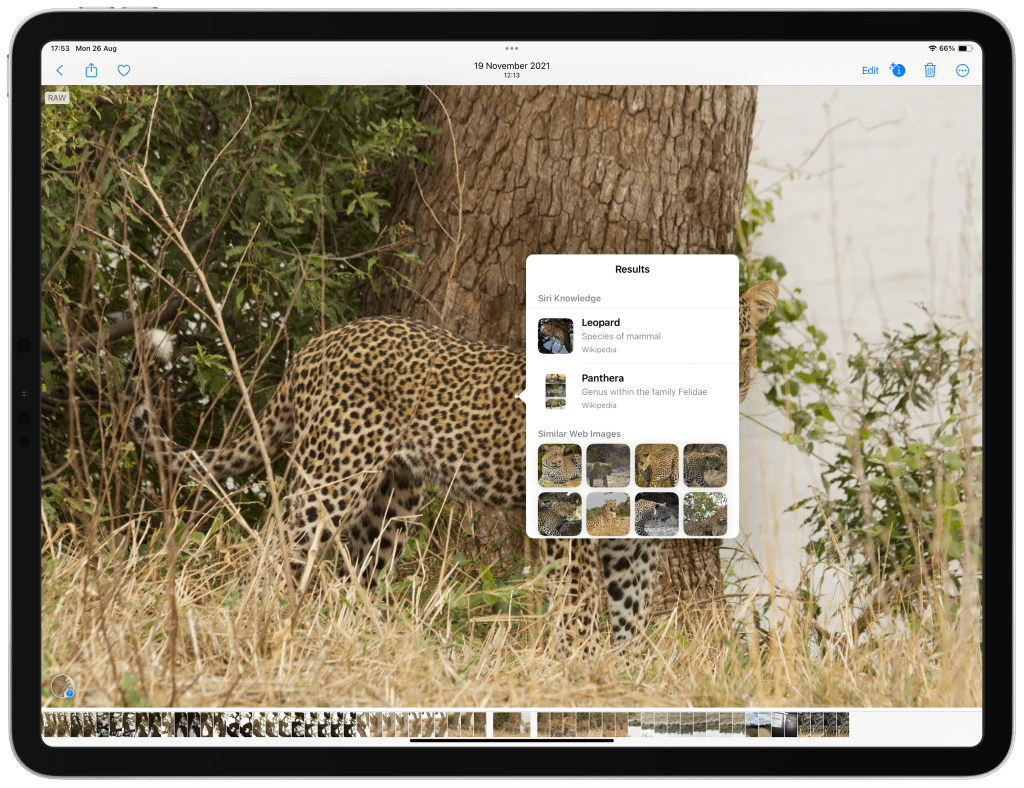
I believe this is achieved through similar machine learning techniques used to generate stickers and remove subjects from their background. This is all thanks to Metal and the neural engines on Apple devices.
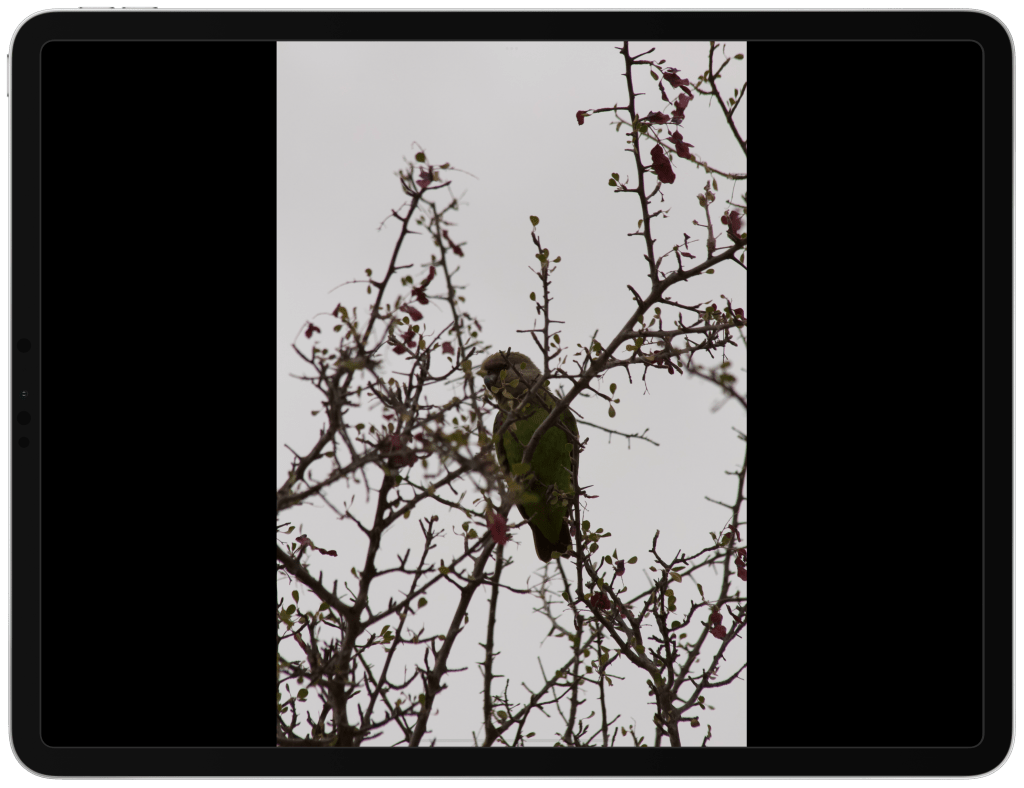
This can also work for somewhat poor quality and low light photos.
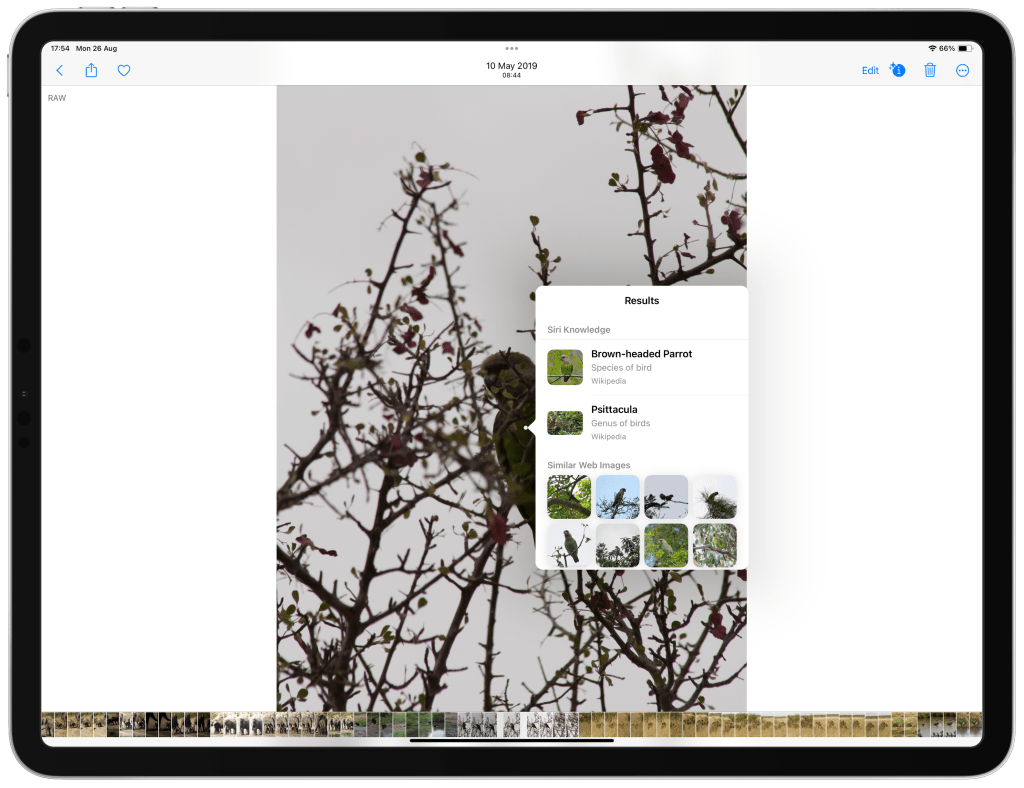
It does work for identifying plants as well however less accurately. It would be beneficial if the search result of the subject took into consideration the location where possible. For example I enjoy wild life photography and import raw images to my iPad. These raw images include location data. When using the subject identifier feature, if the machine learning took into account the location the image was taken it would present information that is more accurate and plausible.
Mike,
Over & Out.





Leave a comment