

Thinking about buying an iPad, but which one is right for you?
The iPad line up is stronger than ever, now there is an iPad option for just about any type of user, but choosing the right iPad is not as easy as it may appear. It’s not quite as straight forward as it seems, especially if you are not familiar with iPads. For example; the iPad Pro is full throttle Pro, but the iPad Air is definitely Pro enough, but the iPad mini has Pro features just in a smaller package and then there’s the base model iPad which is a great size without the all bells and whistles….see what I mean! It’s not as easy as one might think.
Here is a nice guide to help you select the right iPad.
The Questions you need to ask
The first question you have to ask yourself is; What are you going to be using the iPad for? It should fall into 1 of 3 categories; for Work, Education or Leisure.
For Work
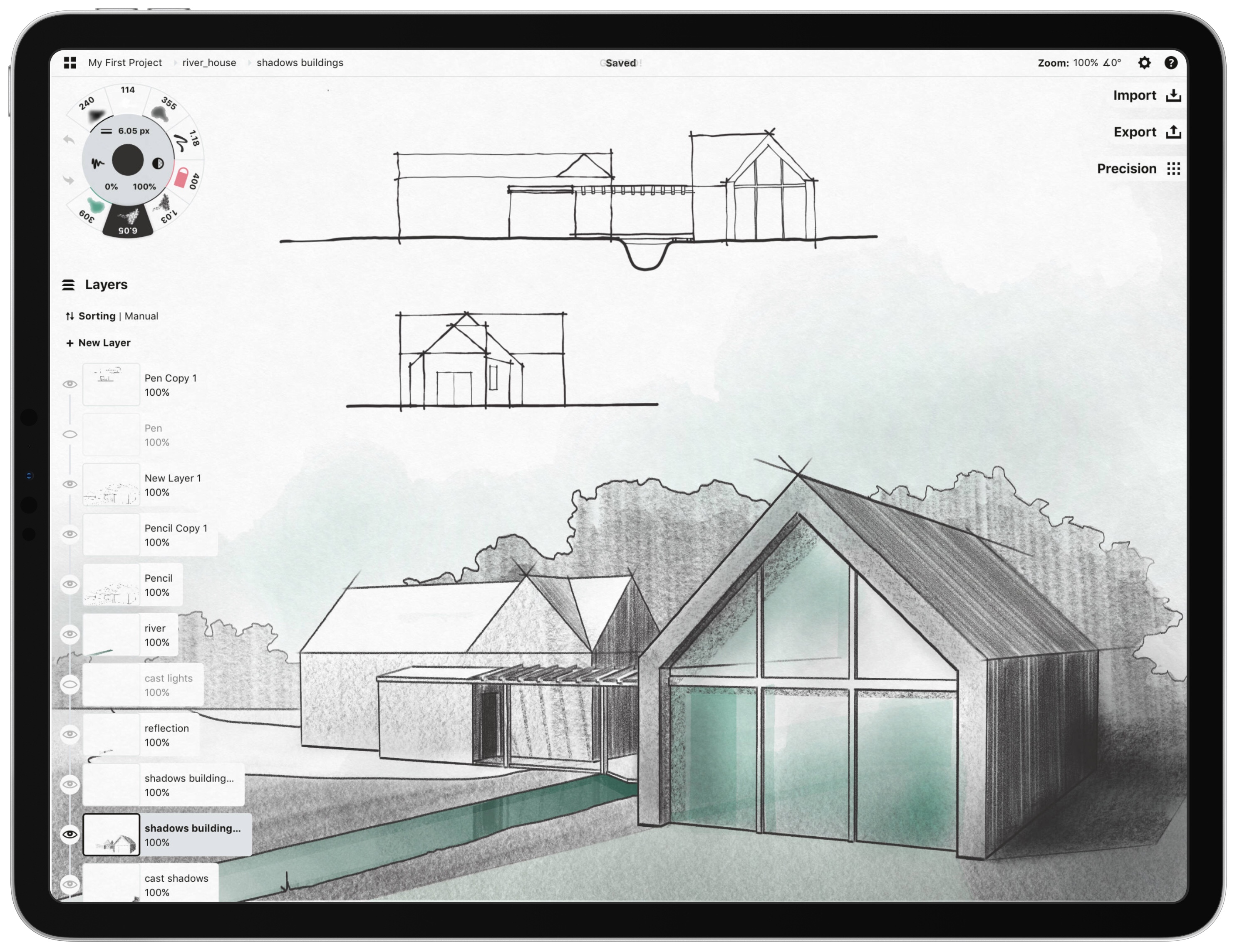
image from Concepts
Let’s look at work, if you are buying an iPad for work you need to consider the type of work you do. For instance; if you work with very large spreadsheets, 3D rendering or modeling like Autocad, hi-res photo’s, professional image editing like Adobe Photoshop, professional video editing, working with 4K videos, or you are involved with design and simply need to be able to render, process or edit any image video or design concept your client sends you, it can be said you work with large files or graphics intensive material, these require faster processors to work as efficiently as possible, therefor you will need to be on the iPad Pro or iPad Air, for two simple reasons;
1) Screen – the base model iPad does not have a laminated display which affects the clarity, sharpness and brightness, it also lacks the; Wide (P3) colour display, anti-reflective coating, True Tone sensors, denser pixels per inch and has a lower screen resolution. The iPad Mini on the other hand gives you all the pro screen features with the exception of the higher resolution, but it’s Achilles heel in the work environment is its screen size, you will most likely not be comfortable working long hours on a small display of just 7.9”.
2.) Processor – The processor is fundamentally important when it comes to larger files and graphics intensive work. Now that we have established that the screen size of the mini is not an option for graphics work, we won’t include it here. This leaves you with a decision between either the iPad Pro, iPad Air or base iPad. As discussed above let’s leave the base iPad due to professional screen limitations and processor. This leaves us with the iPad Pro & iPad Air, so which one?
At this point you need to consider the value of getting all features in the iPad Pro vs loosing some in the iPad Air. In my opinion you need to consider these 5 questions at this stage of your decision making;
1.) If you do graphics intensive tasks or if you are a graphics designer or professional photo editor, the iPad Pro is going to be your best choice.
2.) If you would like to experiment with the iPad becoming your main computer but are not ready to go all in on the iPad, then the iPad Air is the way to go.
3.) If you would like to work occasionally from an iPad, the iPad Air is superb!
4.) If you are looking for a companion device for your Mac the iPad Air again is perfect.
5.) If you are making the move to iPad only and you are coming from a 12” or larger screen, the 12.9” iPad Pro is going to feel more natural and easy to adjust to.
There can be other reasons for considering an iPad Pro, such as the new magnet pencil, or professional writers who don’t necessarily need the performance offered by the iPad Pro but appreciate the large screen and full size keyboards that are available for the iPad Pro 12.9” or just simply wanting a maxed out iPad.
For Education
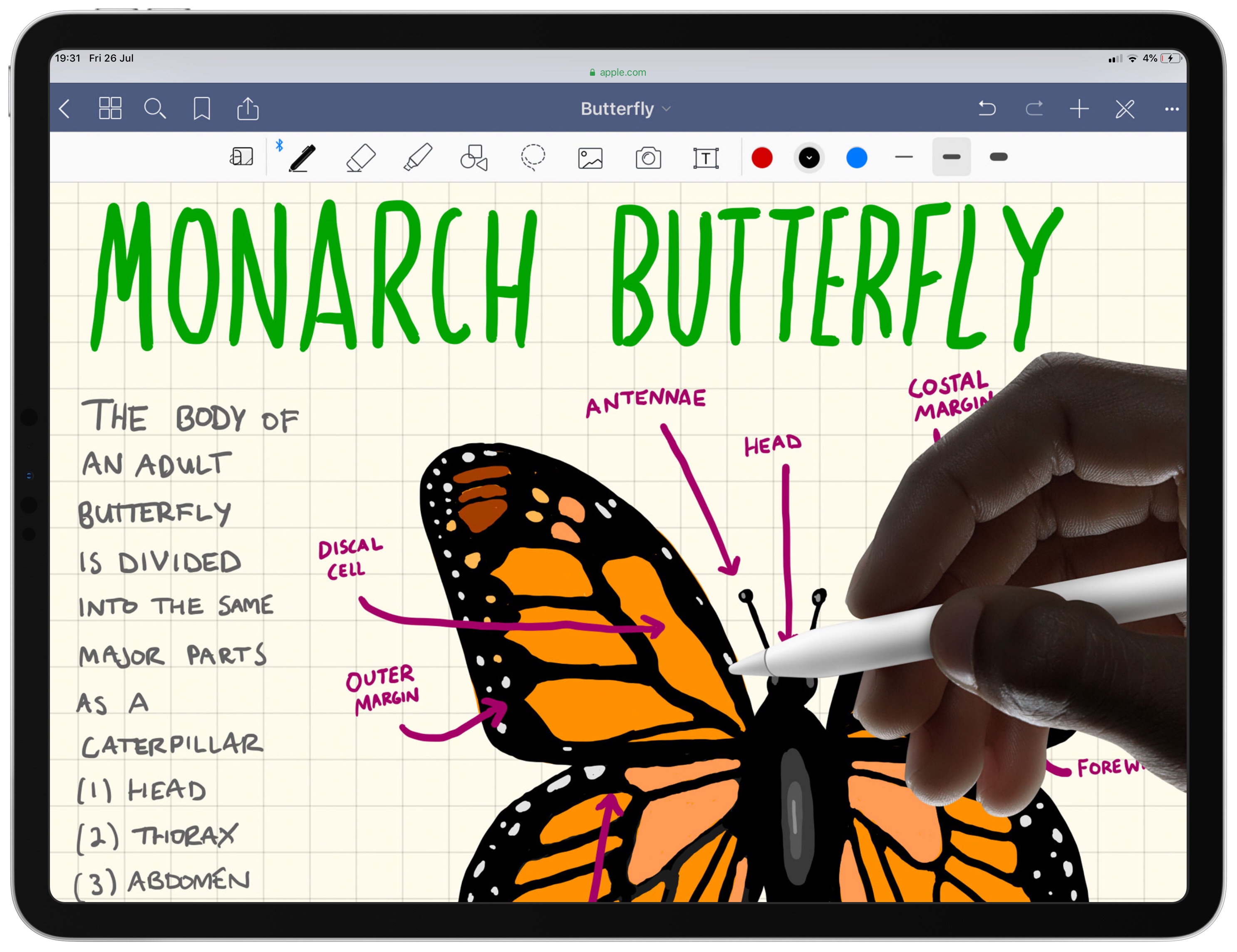
image from Apple
Let’s look at education, the first thing an iPad buyer in this segment needs to consider is, what age is the student? If the student is below the age of 12, then anything above the base model iPad is going to be overkill. The base model iPad is superb for children under the age of twelve because it can do a wide variety of functions very well. It can support Augmented Reality apps which are wonderful for immersive educational experiences, it can support the Apple Pencil for drawing, learning to write or class note taking. Its camera is great for snapping up pictures for projects and the front camera is very clear. This makes collaborating on group projects with your class mates after school a great experience via group video calling like FaceTime Group Calls and other apps. The A10 processor will also be plenty powerful enough to run the latest versions of iOS and apps for years to come, making it a good long term educational investment.
Above the age of 12
If the user is above the age of 12 and intends to use the iPad as his/her main computer for education and leisure, I would strongly recommend considering the iPad Air 3rd Gen. It’s offers a better sharper, clearer screen which will be more colour acurate and enjoyable for longer periods of time in front of the iPad, i.e studying, homework, projects, assignments etc. The iPad Air 3rd Gen also sports True Tone, a Pro feature which auto adjusts the screen colour and brightness to match the environment the user is working in. This is actually a big deal for users moving between different rooms and working in different lighting conditions, including into the night, a reality for hard working students. True Tone also colour corrects the screen to match the ambient light temperatures of the room, removing the harsh blue tones from the screen and thus becoming more sensitive on the users eyes.
The iPad Air 3rd Gen also has a larger 10.5” screen size which makes multitasking and working with multiple programs just that much easier. It also has a significantly more powerful processor than the base model iPad. In fact the iPad Air 3rd Gen boasts the A12 processor, a processor that actually beats the second Gen iPad Pro’s in overall performance.
For university
If you require the iPad for university you have two questions to ask.
1.) Again are you going to be doing graphics/ processor intensive tasks? If yes the iPad Air 3rd Gen or iPad Pro is going to be your best bet. If not I would still recommend the iPad Air 3rd Gen over the base model iPad due to screen size, the larger screen makes the iPad Air even more appealing especially if the you intend using the iPad as your main computer.
2.) What screen size do you need?, if you need the larger 11” or 12.9” screen sizes, the iPad Pro is going to be your only options. If you not the 10.5” iPad Air will be perfect.
For Leisure

Image from NBA 2K19
If you are using the iPad for leisure, you have two options; The base model 6th Gen iPad or iPad mini, unless you are doing allot of graphics intensive gaming, then you will want to consider the iPad Air or even iPad Pro.
If you mainly want the device for reading on the couch or in bed, you may want to consider the small form factor of the iPad mini, its easier to hold for long periods of time in different reading positions and the True Tone display is much easier on the eyes for late night reading.
If you intend to reply to email and surf the internet, the mini can handle all these things perfectly well but, if you prefer typing on a keyboard, then connecting to a Bluetooth keyboard to type on the mini’s small screen will be less than adequate. I would then say the base model iPad is more than sufficient.
Here is a nice Decision Tree to help you choose the right iPad for you.
NB – this is a general guide
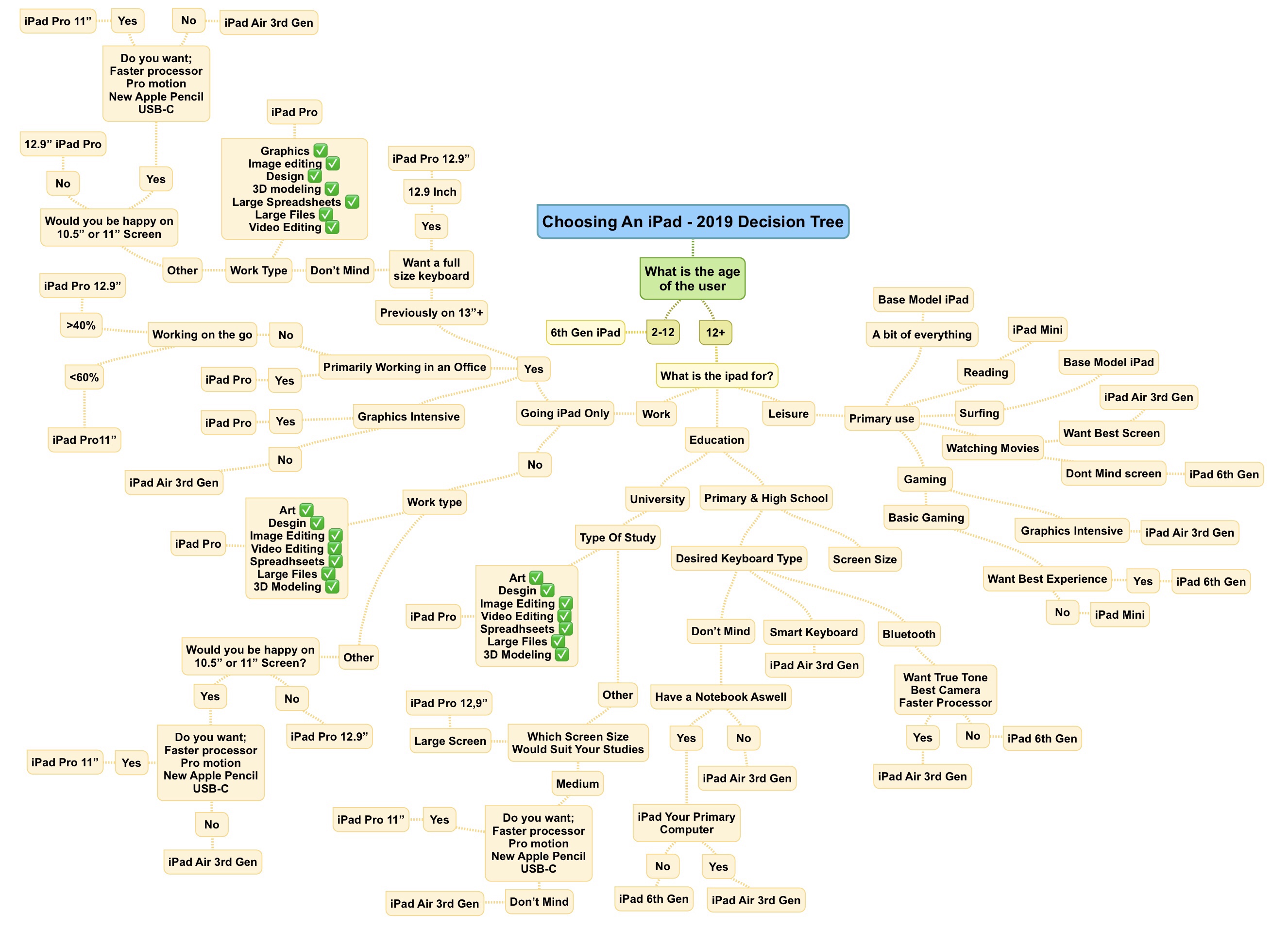
Image by ipadproductivity.com
If you still can’t decide, Apple has a nice compare tool on it’s website which is handy for getting a good overview for comparing the different iPad models.


Leave a comment